Did you know that 82% of jobs require Microsoft Excel skills? It’s time to update your resume and accurately showcase your MS Office skills. After all, the entire Microsoft Office suite has become the fundamental set of tools to perform many job tasks.
Learn which skills you need to get the job you want and how to correctly present them on your resume correctly when using our Resume Builder. Save yourself hours of work and get a professional resume written in no time!
What are Microsoft Office skills?
Microsoft Office skills refer to your abilities using any application from the Microsoft Office suite. Adding them to your resume might initially seem redundant, but you’d be surprised that many people don’t have a working knowledge of Excel, a basic skill for many corporate jobs.
Knowing how to list Microsoft Office skills in your resume can factor in getting hired for a job opening.
Nowadays, many jobs require you to be proficient in Microsoft Office.
As we mentioned, the MS Office suite includes many programs that facilitate the productivity of jobs in diverse industries such as finance, marketing and teaching.
You can list all the Microsoft Office suite programs as resume skills, which are the following:
Microsoft Word
Microsoft PowerPoint
Microsoft Excel
Microsoft Outlook
Microsoft Teams
Microsoft Access
Microsoft OneNote
Microsoft Publisher
How to describe your level of proficiency in an MS Office skill
You might be debating whether to include a Microsoft Office skill because you’re unsure if your level of proficiency merits a spot on your resume.
Ideally, you want to list Microsoft Office skills in which you’re at an intermediate or advanced level. But how can you tell?
First, have you regularly used any of the Microsoft Office products in a previous role on a daily or weekly basis? Then you’re likely an intermediate or advanced user.
If you’ve only dabbled in these products for personal use or when in school, you might just be a beginner, so it’s best to leave out that skill then.
Below, you’ll find a list of tasks you should be able to do to qualify yourself as proficient in the various MS Office programs.
Microsoft Word skills
Inserting and formatting text
Locating and modifying documents
Sorting and formatting lists
Inserting and modifying tables
Adding symbols and special characters
Sharing, collaborating and protecting documents
Adjusting borders, margins and layout details
Microsoft PowerPoint
Creating presentations
Inserting and formatting paragraphs and text boxes
Adding graphics
Creating interactive slides
Linking and embedding media and data
Inserting and modifying images/video
Sharing and broadcasting slideshows
Microsoft Excel
Inserting formulas and functions
Creating and editing spreadsheets
Creating tables
Creating macros
Apply intermediate and conditional formatting
Creating Pivot tables and charts
Printing spreadsheets
Microsoft Outlook
Merging mail
Auto replying
Configuring email settings
Delivering mail
Using address book
Including attachments
Configuring signatures
Managing calendar
Microsoft Teams
Video conferencing
Creating Tasks
Utilizing Together mode
Using Immersive Reader
Using various slash “/” commands
Using multiple commands for instant messaging
Organizing meetings
Microsoft Access
Creating and designing tables
Creating queries to extract, filter, and sort data
Designing and customizing forms
Creating reports
Importing and exporting data across various file formats
Using macros to automate tasks
Programming with VBA
Microsoft OneNote
Creating and managing Notebooks
Creating notes with tables, checklists and tags
Creating and organizing sections to file notes
Creating and using templates
Using collaboration features to share notebooks
Integrating OneNote with other MS Suite products
Using keyboard shortcuts
Microsoft Publisher
Creating and formatting publications with text and visuals
Adding and formatting pages, page numberings and backgrounds
Previewing and printing publications
Preparing files for commercial printing
Customize the Publisher toolbar to suit your needs
While Microsoft Office skills are great to add to your resume, you should only list skills that you truly possess. Constantly update your skills section to your desired job by identifying resume keywords in the job description.
Find in-demand skills in our Resume Builder
Our Resume Builder selects your most relevant and in-demand skills depending on your desired role. Get a custom and professional resume in minutes!
Write a stellar resume with the help of our resume samples
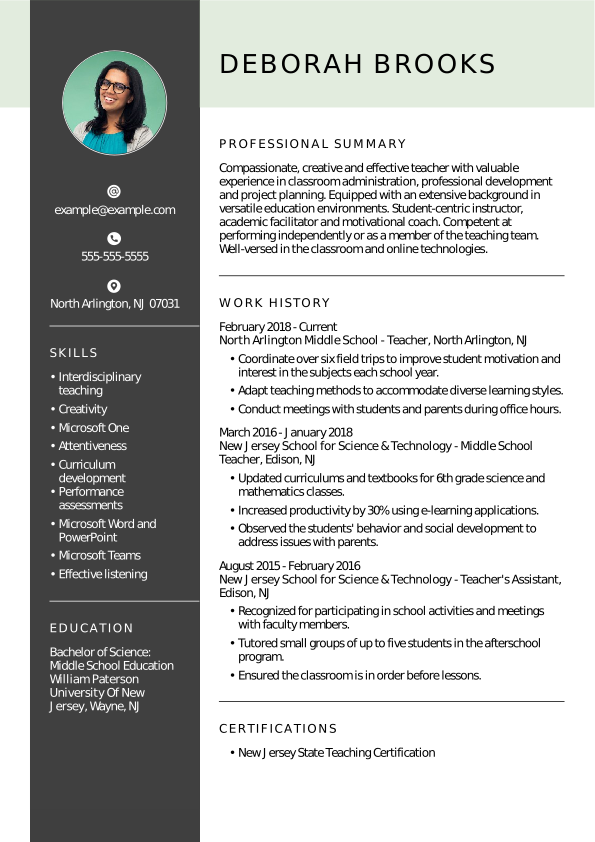
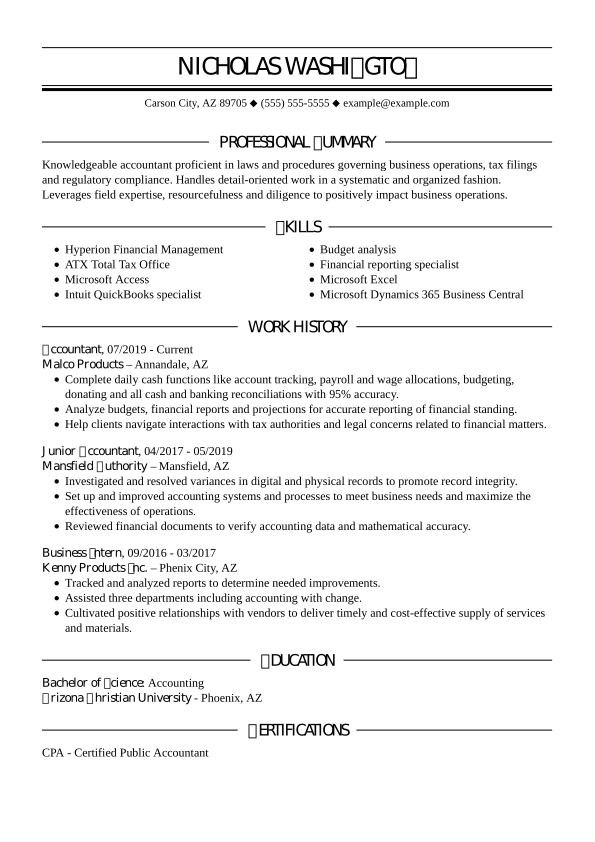
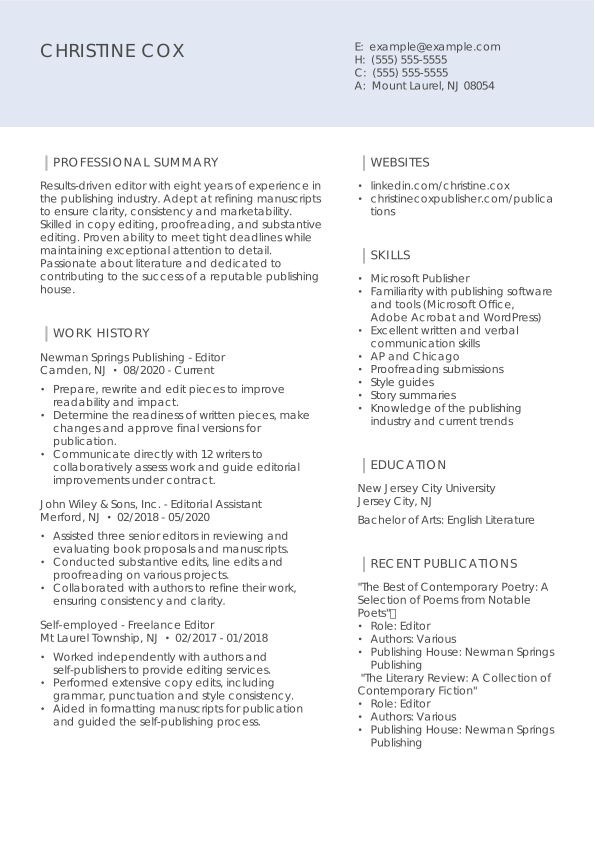
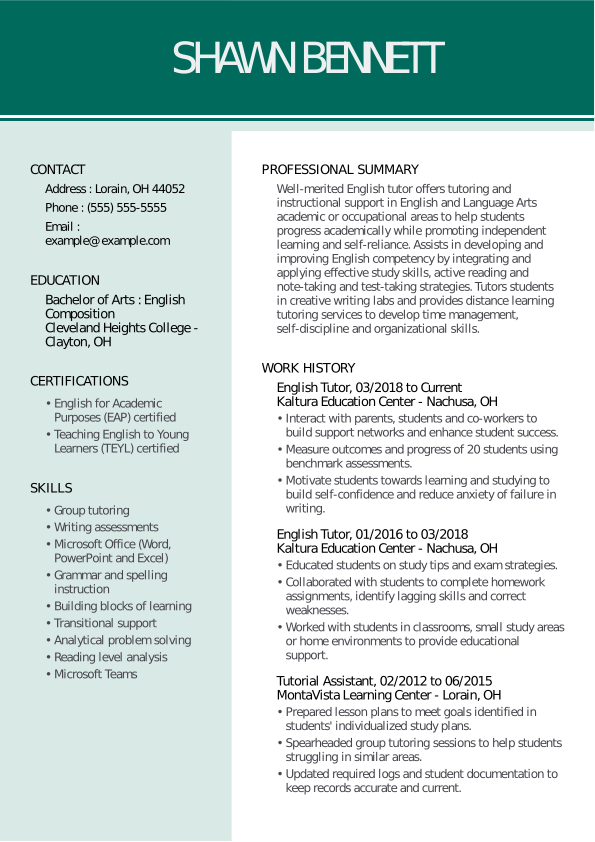
The following are resume examples of jobs that commonly use various Microsoft Office applications. Find your desired job title and start building your resume with the help of these samples!
How to list Microsoft Office skills in your resume
1. Ensure the skills you’re listing are relevant to the job you want.
Take a look at the job description and make a note of any MS Office skills the job requires. Then, list the skills you possess and your level of proficiency in your resume skills section. For example, employers hiring for jobs like accountant and data analyst can ask you to be an expert in Excel.
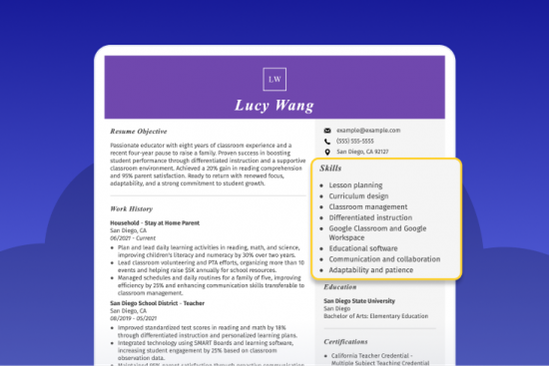
2. Add your MS Office skills to your skills section.
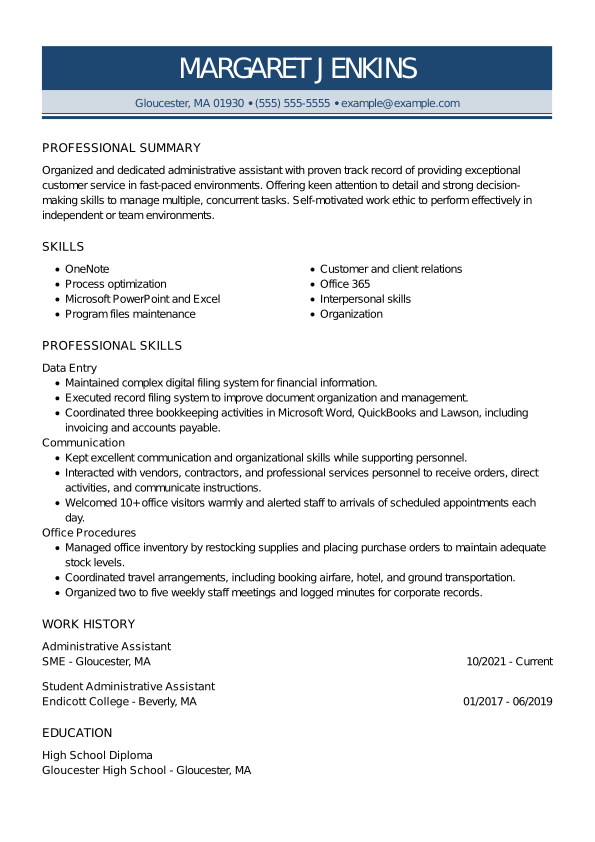
Create a general resume skills section with six to eight soft and hard skills. Among these skills, you can add whichever Microsoft Office product you’re proficient in.
You can add more value to your skills section by sharing tasks you can easily complete using an MS Office product. Doing so allows recruiters to understand what you consider proficient so they can determine if you possess the right knowledge for the job.
For example:
Skills
Microsoft Word: Editing large documents using comment feature, creating business letters with company logos and signatures, and formatting legal and academic documents.
Microsoft Excel: Creating and formatting spreadsheets, using functions like VLOOKUP, IF and SUMIF to perform data analysis and generate reports
Microsoft Publisher: Creating and designing marketing materials, such as flyers, brochures, and newsletters
Microsoft Outlook: Calendar management, using filters to automate email management, creating and using pre-made email templates for a consistent look
Microsoft Teams: Remote collaboration, online meetings, and document sharing
Remember that you can customize the order and formatting of your resume sections — including your skills section — depending on the resume format you choose.
3. Add Microsoft Office skills to the work experience section.
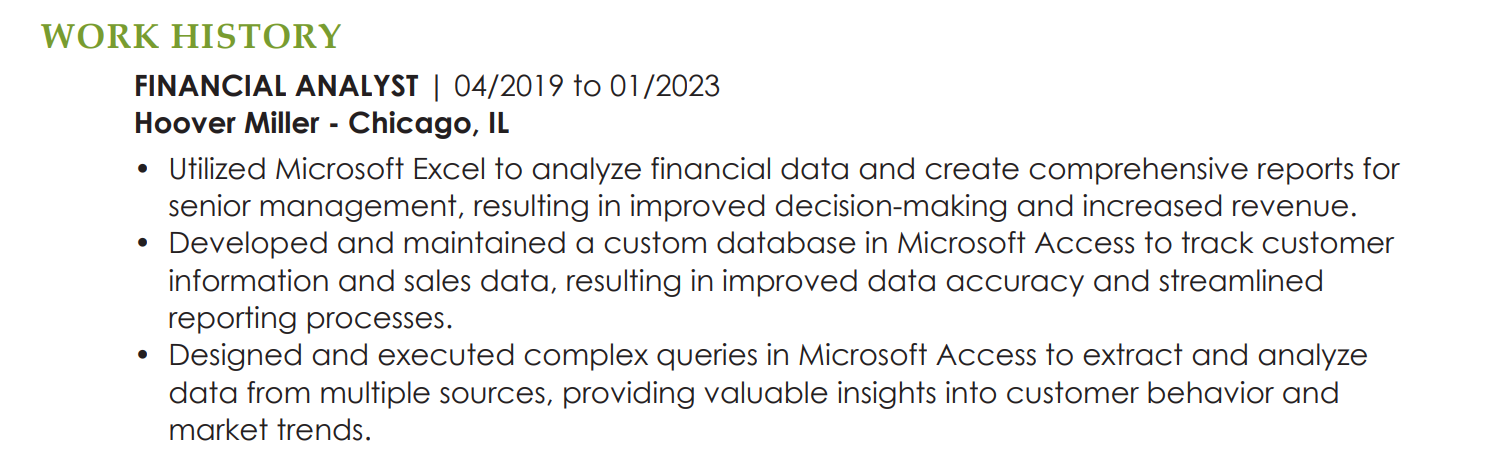
While writing your work experience accomplishments, you can cleverly slip in a few skills in Microsoft Office programs. Share the types of tasks or job duties you regularly perform better to convey the scope of your Microsoft Office skills.
For example:
Microsoft Excel: Advanced spreadsheet creation utilizing conditional formatting and tabs, data visualization using tables and graphs.
Let our Resume Builder do the writing for you!
Focus on finding the right job opportunities; meanwhile, let our Builder write personalized content for all your resume sections featuring the most in-demand skills for your industry. Get started now!
You can learn how to add certifications to your resume in our How to Write a Resume article. You could also take advantage of the automatic formatting benefits of our Resume Builder and create expert custom sections for certifications and licenses with just the click of a button!
The most in-demand skill in Microsoft is proficiency in Microsoft Azure, a cloud computing platform that many companies use and is critical for developers and engineers. According to the Microsoft website, their Azure certifications are one of the most popular ones, and they consistently top the list of the highest-paying Microsoft certifications.
Other than that, skills in Microsoft Excel and Microsoft Word are the “bread and butter” of many jobs in various industries. You can rest assured that you’ll have to use Excel and Word at least once in your career — even if you switch roles.
We consider the top 5 skills in Microsoft to be:
Outlook
Azure
Excel
Word
Access
Is Microsoft Office proficiency a skill?
Yes, proficiency in Microsoft Office is technically a skill, and you can even get certified as an expert on all the MS Office applications. However, when listing Microsoft Office skills on your resume, you should be more specific about which applications you’ve mastered and only mention the ones that directly relate to your desired role.
You can learn more about what skills to include in your resume and how to format your skills section in our resume skills guide for 2024.
Over the past 15 years, we’ve helped more than 10 million job seekers build stronger cover letters, discover their career paths, interview confidently, and boost their chances of finding the right job faster. Review our Editorial Policy to learn more about our process.
Gabriela is a Certified Professional Resume Writer (CPRW) and member of the Professional Association of Resume Writers & Career Coaches. She focused on helping job seekers improve their professional resumes to highlight their unique skills and experience. Gabriela holds a BA in journalism from the University of Puerto Rico and brought more than four years of specialized experience to helping candidates navigate the complexities of the online job market, with a strong focus on resume optimization and effective self-presentation.



 Add LiveCareer as a preferred source on Google