You could have the perfect experience for a job and still never hear back, simply because your resume isn’t optimized for online submission. Today, most employers use digital hiring systems to screen applications before a recruiter reviews them, meaning your resume must work just as well for software as it does for people.
Learning how to prepare your resume for online applications helps ensure your qualifications are recognized, properly scanned, and passed along to hiring managers. Understanding how electronic resumes work is the first step to getting your application seen.
What Is an Electronic Resume?
An electronic resume is a digital resume you create specifically for online job applications. Employers and applicant tracking systems (ATS) use it to scan, organize, and evaluate your qualifications before a hiring manager ever opens your application.
Unlike traditional paper resumes, electronic resumes:
- Use clear, simple formatting
- Include keywords and skills relevant to the role
- Are saved in standard file types (Word, PDF, or plain text) for ATS compatibility

Pro Tip
While plain text (ASCII, TXT) is the most universally compatible format, modern ATS can also easily scan formatted Word and PDF files if you avoid complex designs or tables.
Why You Need an Electronic Resume
Most companies now manage hiring through online platforms. When you submit an application, an ATS often reviews your resume first, ranking or filtering candidates based on how well they match the job.
If your resume isn’t optimized for digital systems, even strong candidates can struggle to be top of the list for recruiters.
By creating an electronic resume, you:
- Make it easy for software and recruiters to read your experience.
- Ensure your qualifications are recognized and ranked accurately.
- Increase your chances of moving forward in the hiring process.
How to Write an Electronic Resume
To get noticed in today’s competitive job market, your electronic resume needs to work for both ATS and human recruiters. Follow these tips to optimize your resume and increase your chances of making it through the digital first round.
ATS are the first filter in the job application process, so you’ve got to ensure your resume is optimized for that initial scan, especially regarding your resume’s formatting.
Follow these formatting guidelines to ensure your resume is ATS-compliant:
- Use standard fonts. Stick with easy-to-read resume fonts such as Arial, Helvetica, or Georgia. Avoid decorative or script fonts, which ATS software may misinterpret.
- Keep the layout simple and linear. ATS reads resumes from top to bottom. Avoid tables, text boxes, graphics, and columns, as these can confuse the software and cause it to skip information.
- Use bullet points for responsibilities and achievements. Bullet points make it easier for both ATS and human readers to scan your resume. Avoid overly long sentences or big blocks of text on your electronic resume.
- Stick to common section headers. Use conventional headings such as “Work Experience,” “Education,” “Skills,” and “Certifications.” Creative or unusual headings like “Professional Journey” or “Career Highlights” may not be recognized by ATS.
By following these formatting rules, you ensure that the employer’s software accurately captures all your experience, skills, and accomplishments. Clean and simple formatting is the first step in writing a resume that reaches a human recruiter and gives you the best chance of landing an interview.
Step 2: Tailor Your Resume Content to the Job Description
Once your electronic resume’s format is ATS‑friendly, the next step is to make the content itself match what the employer wants. Employers program ATS to look for specific skills, years of experience, and qualifications, so ensuring your resume includes these details is crucial to your success.
When optimizing your resume for ATS, include the job title as listed, highlight skills and accomplishments that match the job responsibilities, and list any required degrees or credentials using the same wording as the job ad.
Use the posting as a guide, integrating the resume keywords that match your expertise naturally throughout your summary, work experience, and skills sections.
How Does the ATS Work?
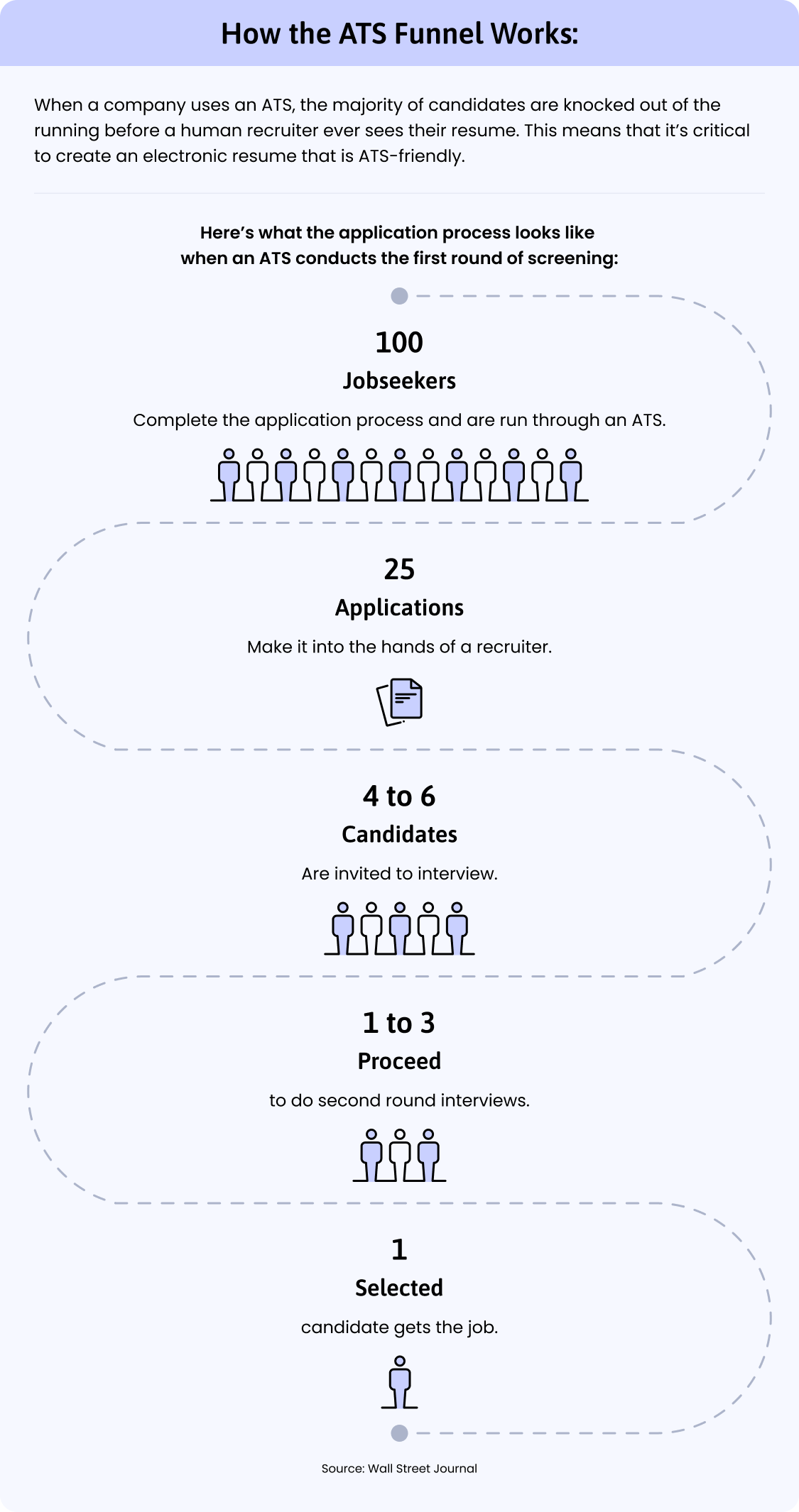
ATS work by filtering all the application submissions a job receives and they score every resume according to keyword relevance, completion of all resume sections, common resume mistakes, and more. The following infographic provides you with a visual of how this filtering affects the hiring process:
Even if your electronic resume is perfectly formatted and tailored to the job, different online applications may require different file types. To ensure your resume is readable and effective across all systems, save it in multiple formats, including DOCX, PDF, and plain text (ASCII, TXT).
DOCX and PDF files are the most widely accepted formats and preserve formatting, while plain text ensures maximum compatibility with older or more rigid ATS software. Check each resume version with an ATS Resume Checker to make sure your headings, bullet points, and spacing remain clear across devices and platforms.
Having multiple file formats on hand ensures that your resume remains accurate, scannable, and ready for any online application, giving you the best chance of passing the first digital review and reaching a human recruiter.
Electronic Resume Templates for Online Applications
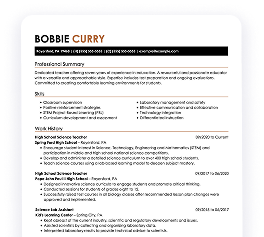
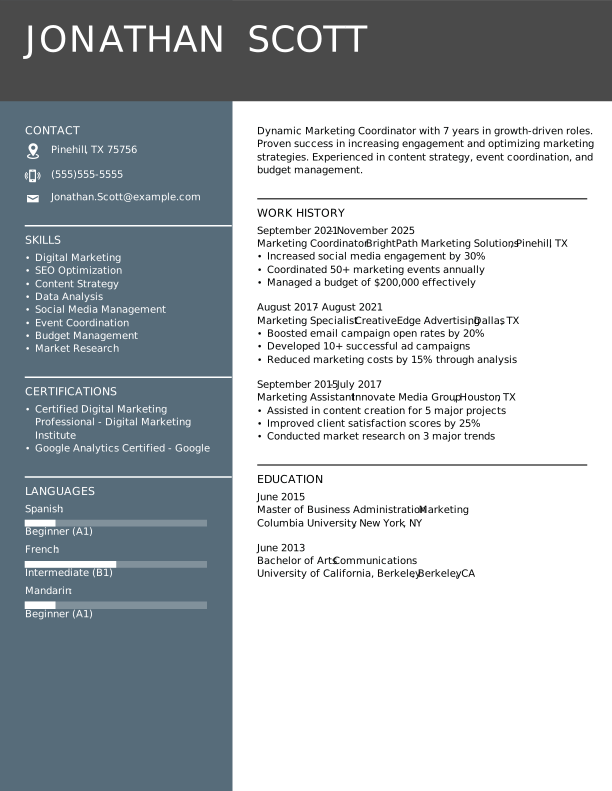
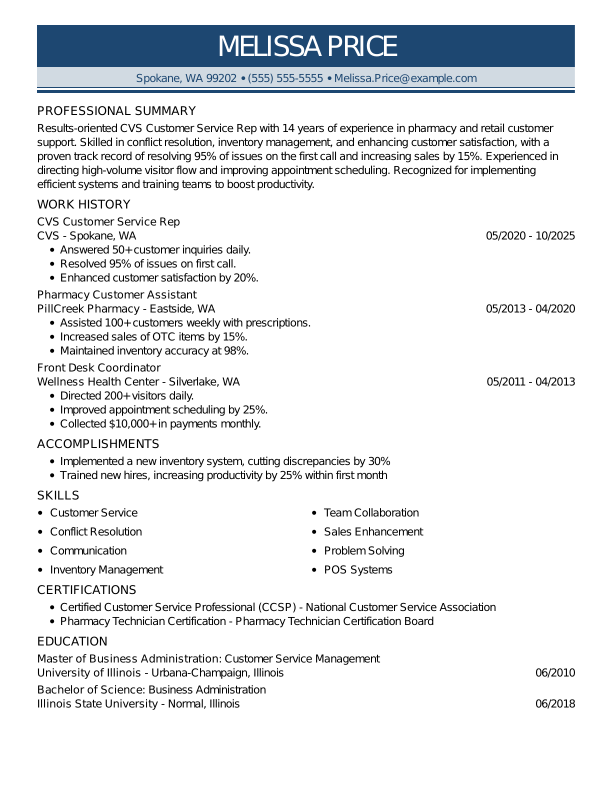
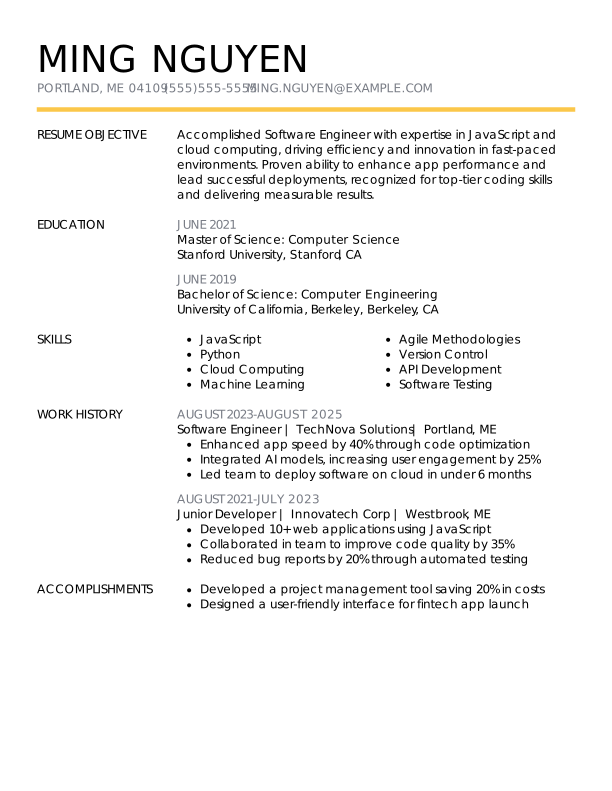
Ensure your electronic resume has an ATS-compliant template with these professional, unique designs. Click on any template to create a resume in minutes using LiveCareer’s Resume Builder.
More Tips for an Electronic Resume
Once you have your electronic resume’s formatting in shape for online applications and your content is tailored for ATS compatibility, ensure your resume is the best it can be with these writing tips:
- Lead with action verbs. Start each bullet point with strong action verbs like “managed,” “improved,” “launched,” “coordinated,” or “streamlined” to clearly convey your impact.
- Include measurable results. Show employers the impact you’ve had by quantifying your achievements whenever possible. For example, say: “Increased sales by 20% through a multichannel marketing strategy” instead of a vague statement like “Improved sales in Q3.”
- Prioritize relevant experience. You don’t have to fit in every experience you’ve ever had into your resume—doing so makes your resume long and hard to read. Be strategic and highlight the roles, responsibilities, and projects that directly relate to the position you’re applying for.
- Write a targeted resume profile. Immediately capture recruiters’ attention with an accomplishment-packed resume summary that’s targeted to your role with keywords from the job ad.
- Address inexperience strategically. If you have little to no experience, opt for proven strategies like resume objectives focused on career goals and resume formats that emphasize your skill set over your work history.
- Consistency matters. Maintain consistent dates, punctuation, and tense throughout your resume to create a polished, professional document.
Creating an electronic resume is a simple process if you ensure your template is compatible with online application forms and applicant screening software.
To prep your electronic resume for success, use a simple resume template, tailor your content to the job requirements with keywords from the job ad, and download your resume in commonly requested file formats like DOCX, PDF, and TXT.
Frequently Asked Questions
What are electronic resumes?
Electronic resumes are digital versions of your resume that are optimized for online job applications. They’re formatted to be easily read by applicant tracking systems (ATS) and highlight your skills, experience, and accomplishments for both software and recruiters.
How do I ATS-proof my resume?
Ensure your resume is ATS-proof by using a simple, linear layout with standard fonts, bullet points, and common headings like “Work Experience” and “Skills.” Avoid tables, graphics, and images, and include relevant keywords from the job posting naturally throughout your resume.
Can I use colors or graphics in an electronic resume?
It’s best to avoid complex graphics in an electronic resume design, but using color subtly doesn’t pose an issue. While some older ATS software struggle to read overly complex resume layouts or busy design elements like graphics, tables, or illustrations, most modern resume screening software can definitely parse a resume with pops of color or simple designs.
Do electronic resumes work for every job application?
Yes, nearly all online job applications use some form of digital system to screen resumes. Following best practices for electronic resumes ensures your qualifications are properly read and ranked by both software and recruiters.
How do I make an electronic resume?
Create an electronic resume by starting with an ATS-friendly template that uses clean fonts and a simple, easy-to-read layout. Optimize your content by including keywords and qualifications from the job posting, and highlight relevant achievements. Finally, save your resume in multiple formats—such as PDF, DOCX, and TXT—so you’re prepared for any online application requirements.
How We Reviewed This Article
Over the past 15 years, we’ve helped more than 10 million job seekers build stronger resumes, discover their career paths, interview confidently, and boost their chances of finding the right job faster. Review our Editorial Policy to learn more about our process.
About the Author
Gabriela Hernandez • CPRW, Career Advice Writer
Gabriela is a Certified Professional Resume Writer (CPRW) and member of the Professional Association of Resume Writers & Career Coaches. She focused on helping job seekers improve their professional resumes to highlight their unique skills and experience. Gabriela holds a BA in journalism from the University of Puerto Rico and brought more than four years of specialized experience to helping candidates navigate the complexities of the online job market, with a strong focus on resume optimization and effective self-presentation.
Ready to
land the job?
Join 28M+ others who’ve built a resume that works.




 Add LiveCareer as a preferred source on Google