Free Resume Templates & Formats for 2026

Choose an expertly designed resume template, customize it with our builder, and download your professional resume in the format you need.

One of LiveCareer's professional resume templates, showing sample layout, profile photo placeholder, and PDF DOCX download icons.

Hired By:*

Endorsed by trusted media Endorsed by trusted media
    Tags IconFeatured
    Occupation & Industry IconIndustry
    Career Stage IconExperience
    Style IconStyle
    Atomic layout IconLayout
    Price IconPrice
    Primary Color IconColor

    Choose from 345 ATS friendly templates

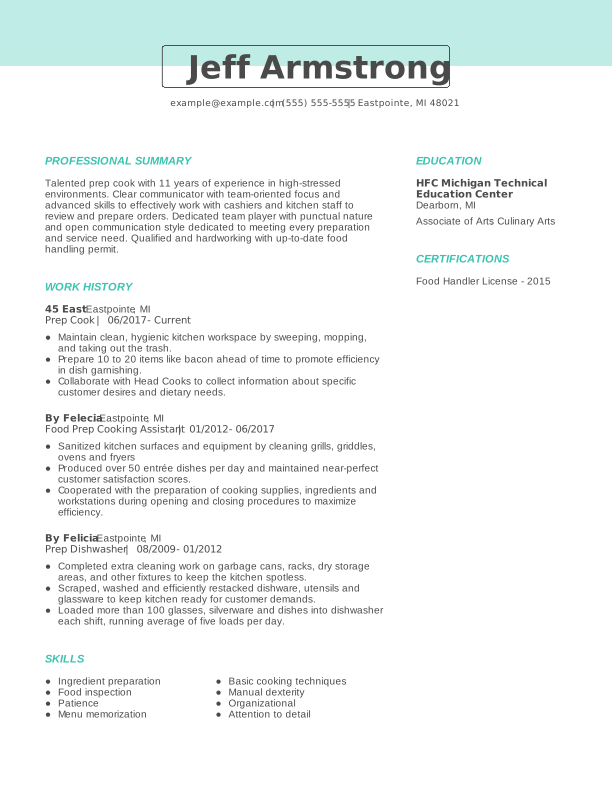
    Creative Prep Cook Experienced Resume: Turquoise

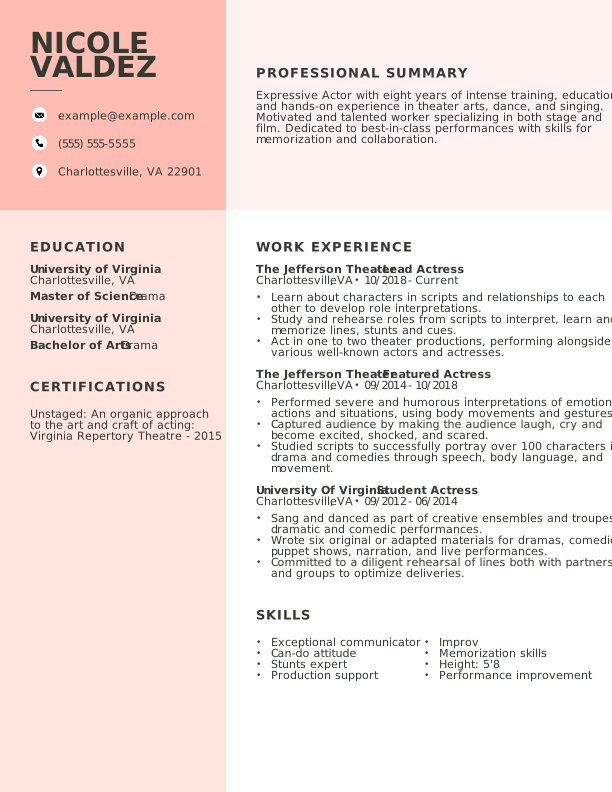
    Creative Actor Experienced Resume: Contessa Rose

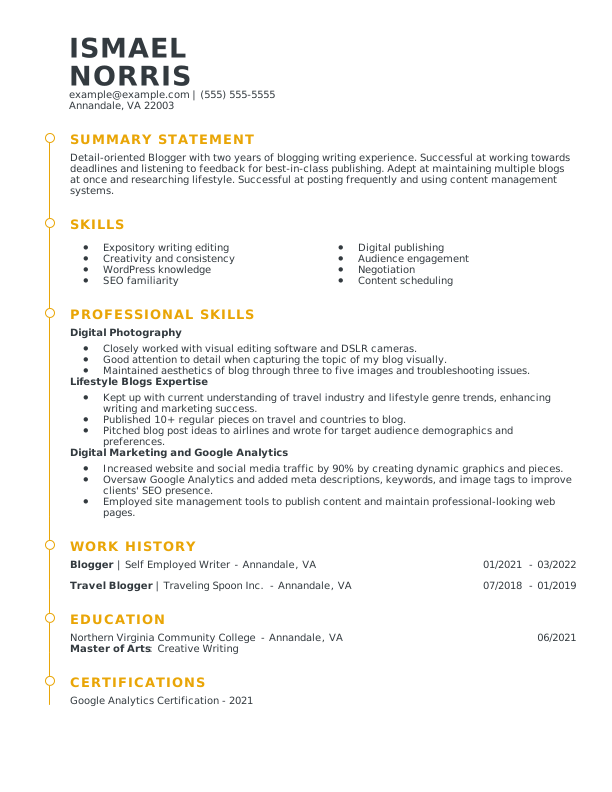
    Modern Blogger Mid Level Resume: Medallion

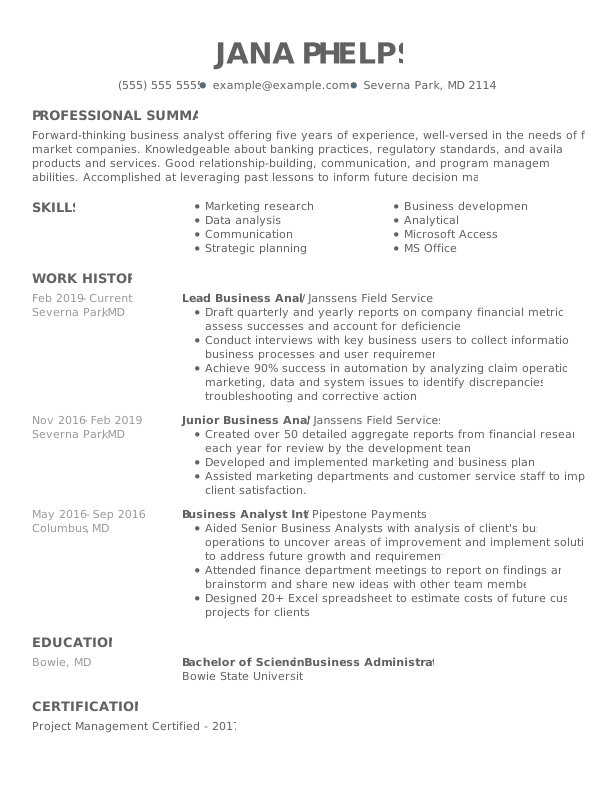
    Creative Lead Business Analyst Experienced Resume: Nobel Grey

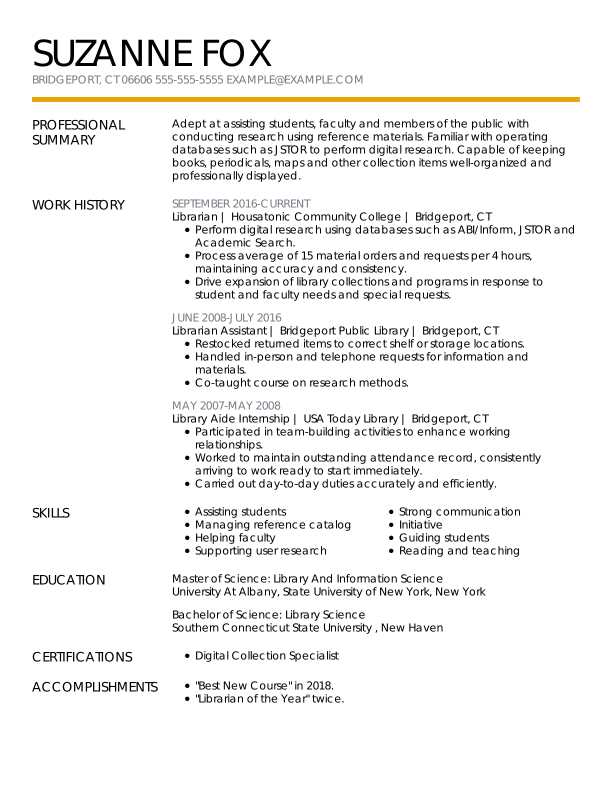
    Modern Librarian Experienced Resume: Medallion

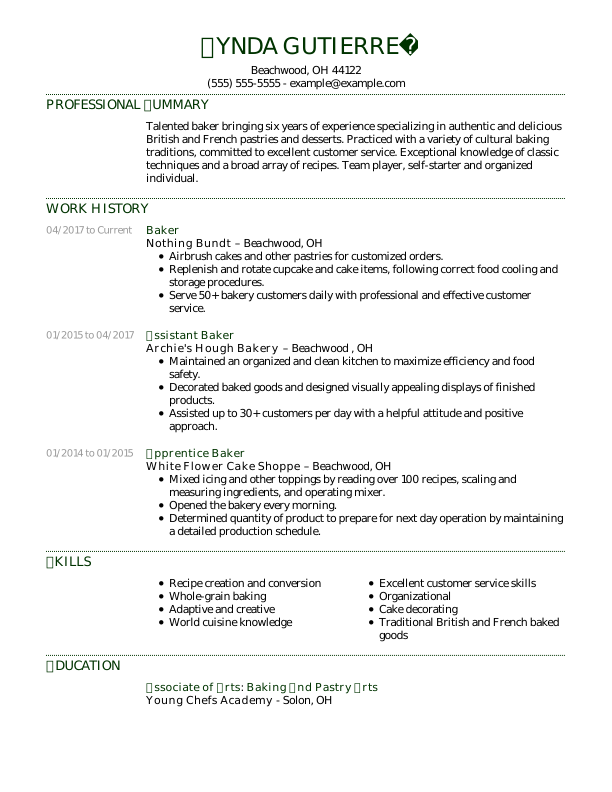
    Traditional Baker Experienced Resume: Jungle Green

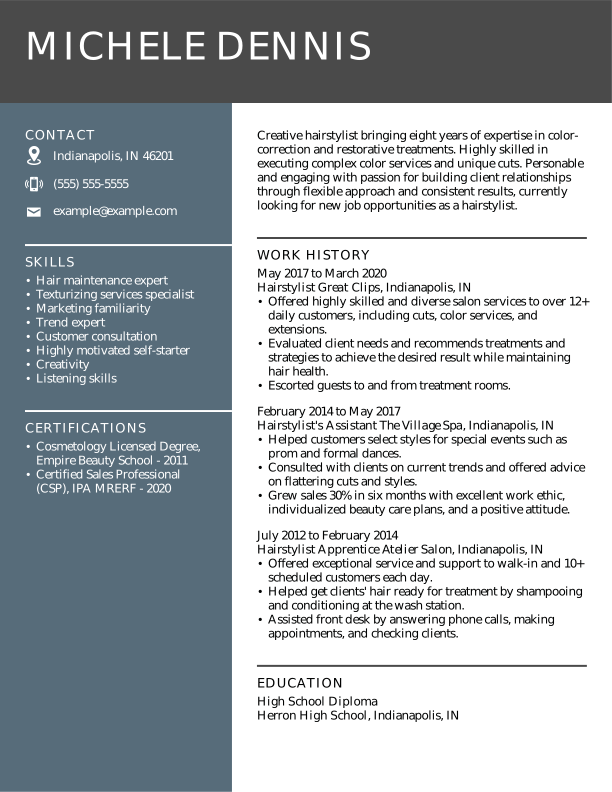
    Modern Hairstylist Experienced Resume: Nobel Grey

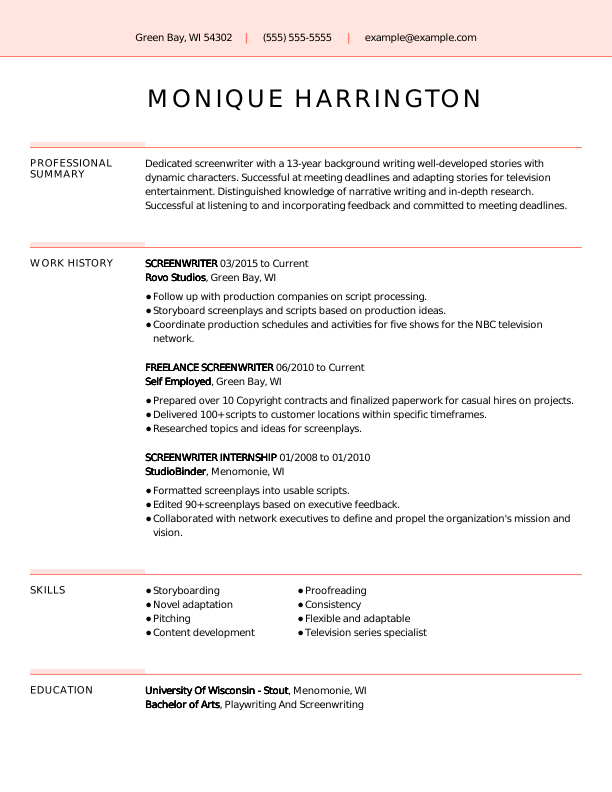
    Creative Screenwriter Experienced Resume: Contessa Rose

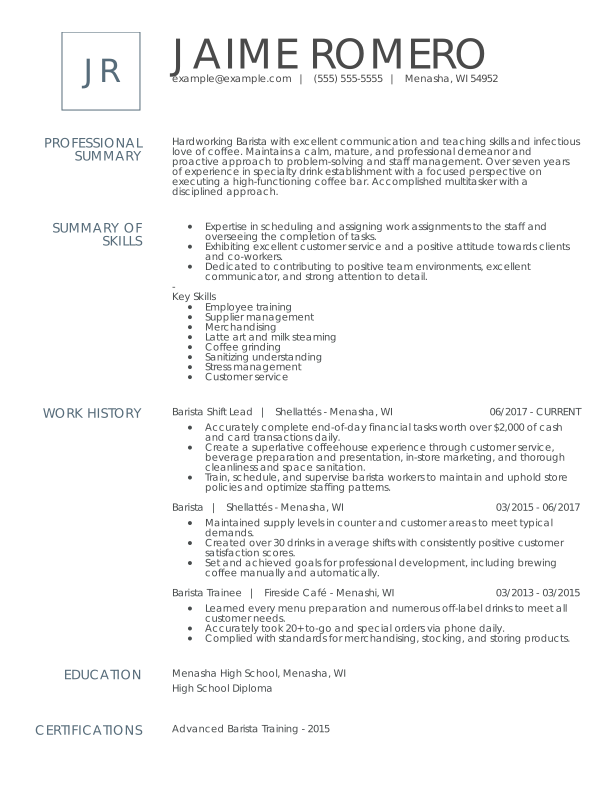
    Modern Barista Experienced Resume: Nobel Grey

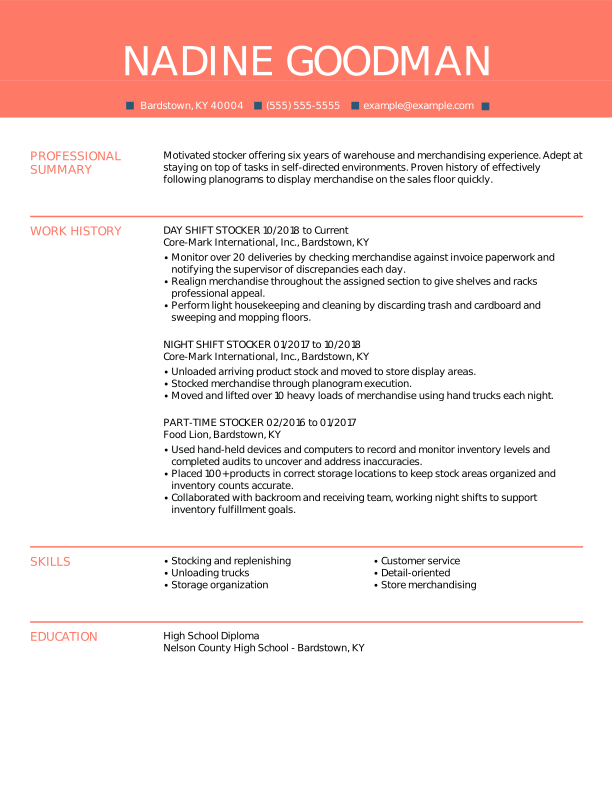
    Creative Stocker Experienced Resume: Contessa Rose

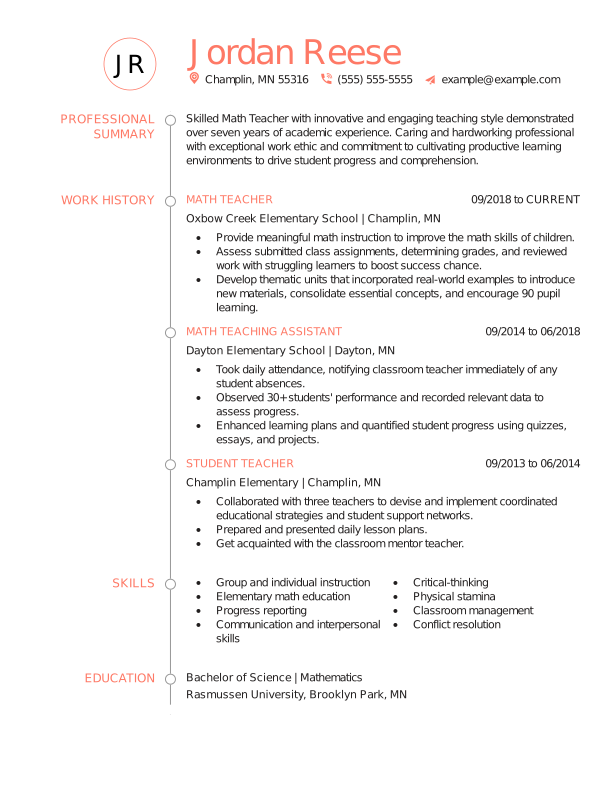
    Creative Math Teacher Experienced Resume: Contessa Rose

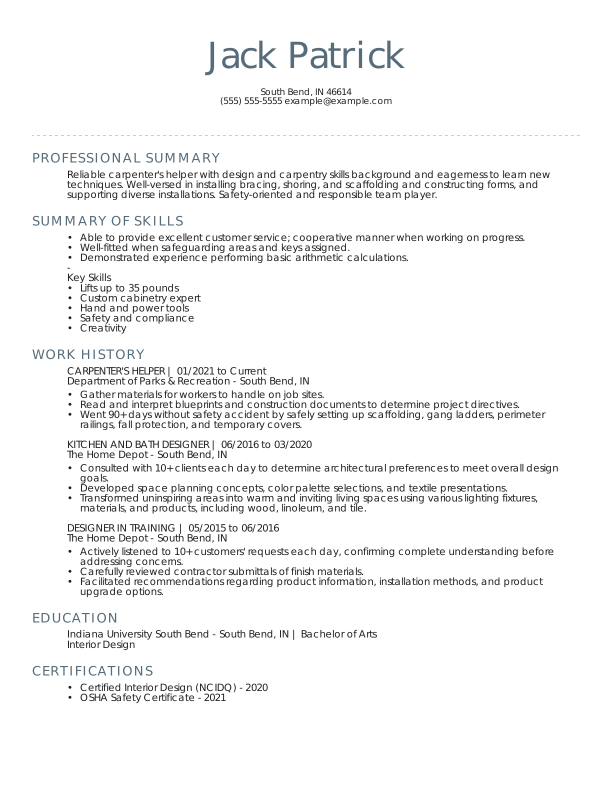
    Traditional Carpenter's Helper Experienced Resume: Nobel Grey

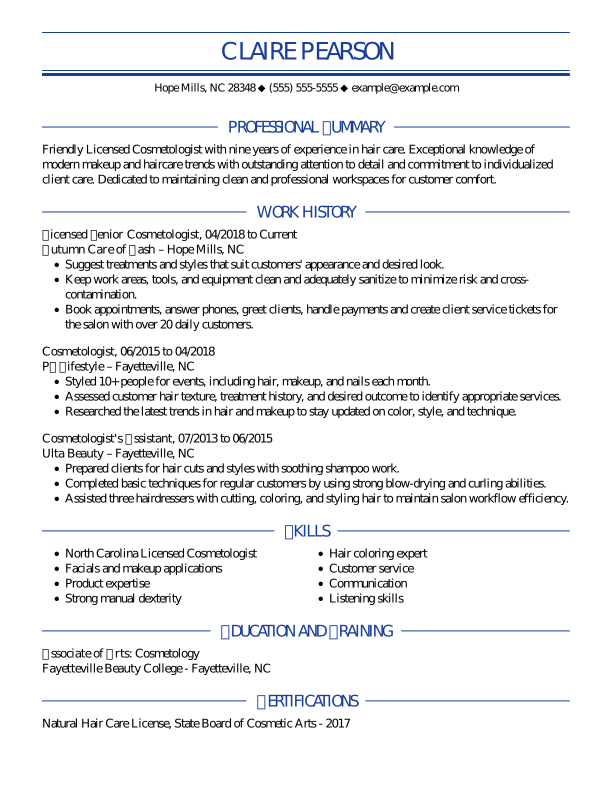
    Traditional Cosmetologist Experienced Resume: Oxford Blue

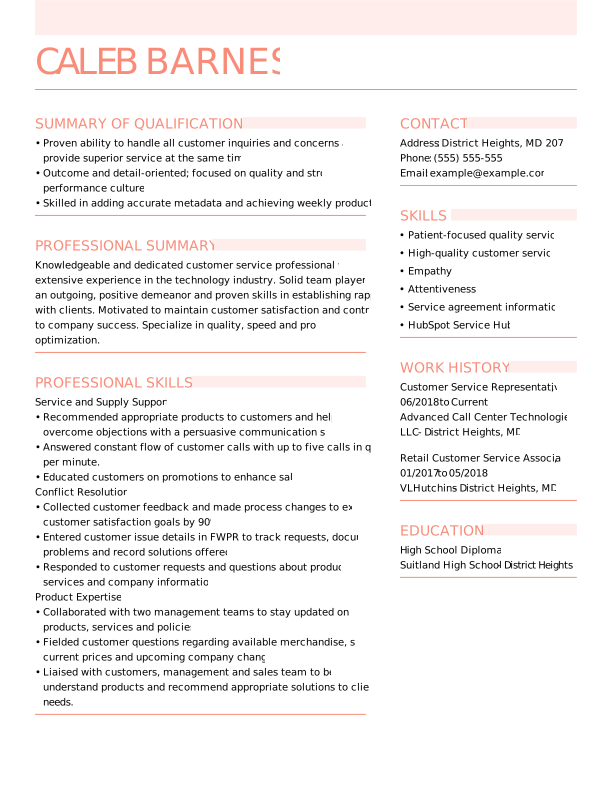
    Modern Customer Service Rep Mid Level Resume: Contessa Rose

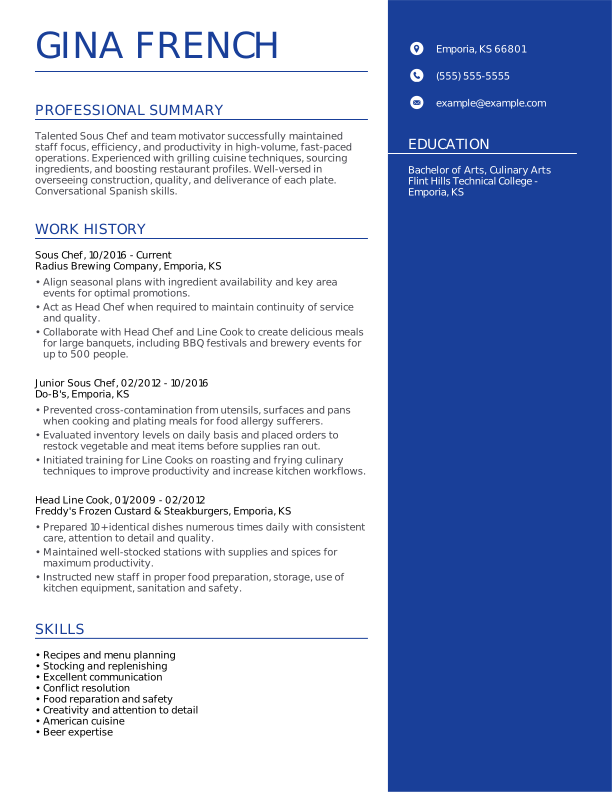
    Modern Sous Chef Experienced Resume: Oxford Blue

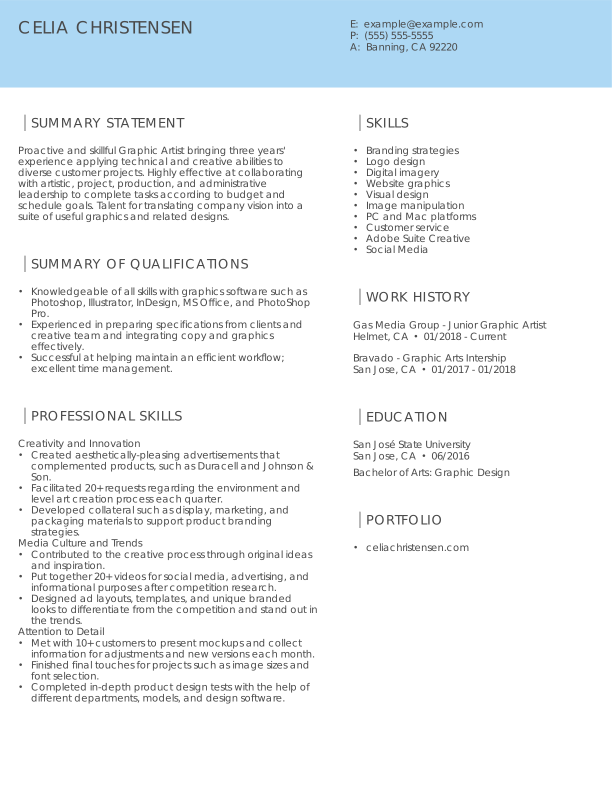
    Modern Graphic Designer Mid Level Resume: Olympic Blue

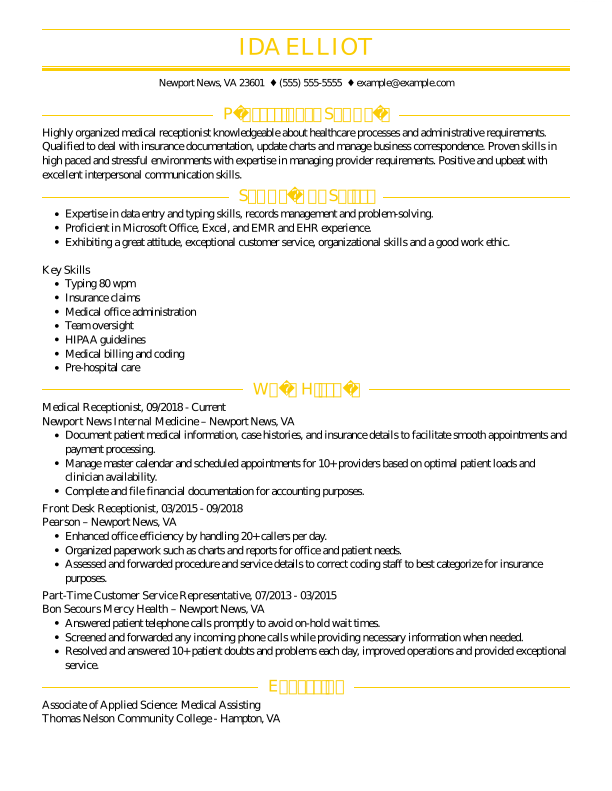
    Traditional Medical Receptionist Experienced Resume: Tuscan Yellow

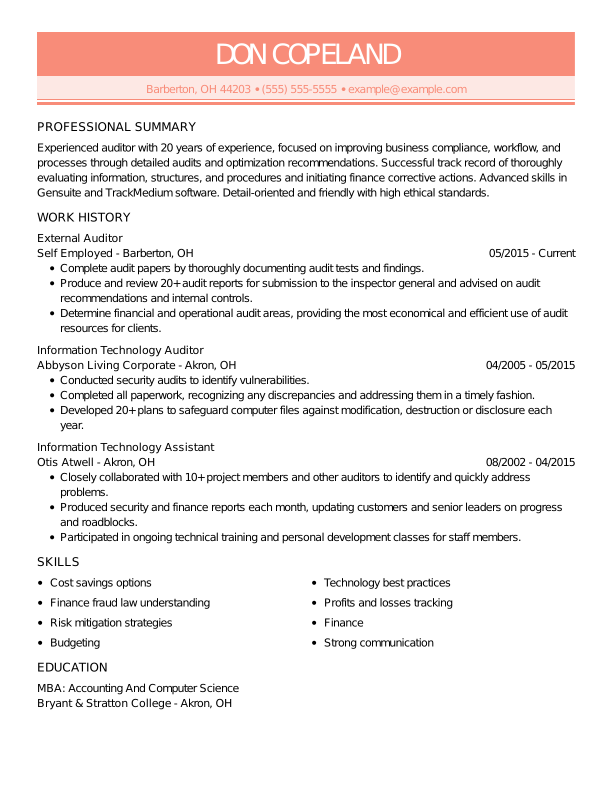
    Traditional Information Technology Assistant Experienced Resume: Contessa Rose

    Modern Medical Receptionist Experienced Resume: Olympic Blue

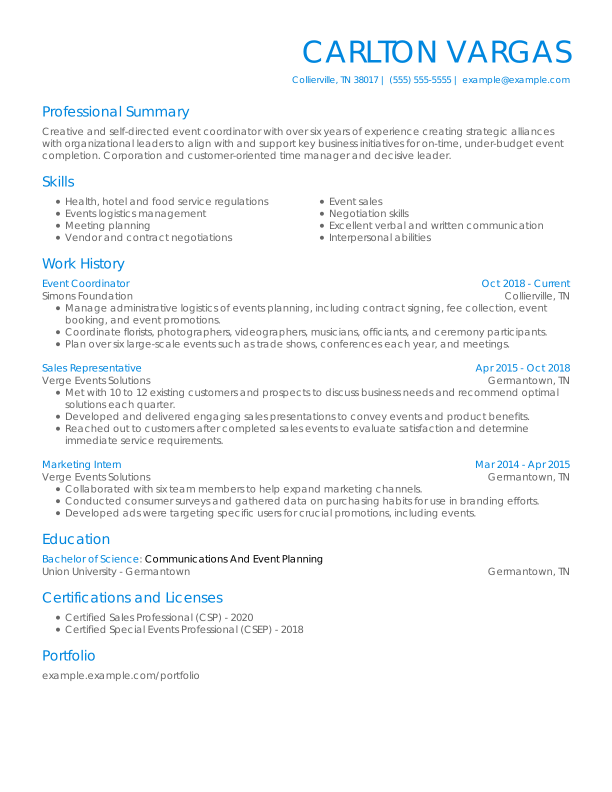
    Traditional Event Coordinator Experienced Resume: Olympic Blue

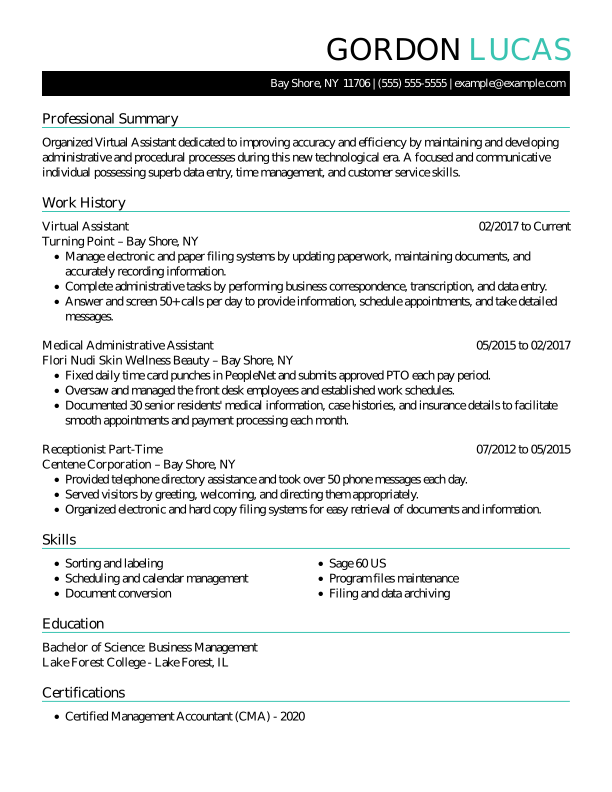
    Traditional Virtual Assistant Experienced Resume: Turquoise

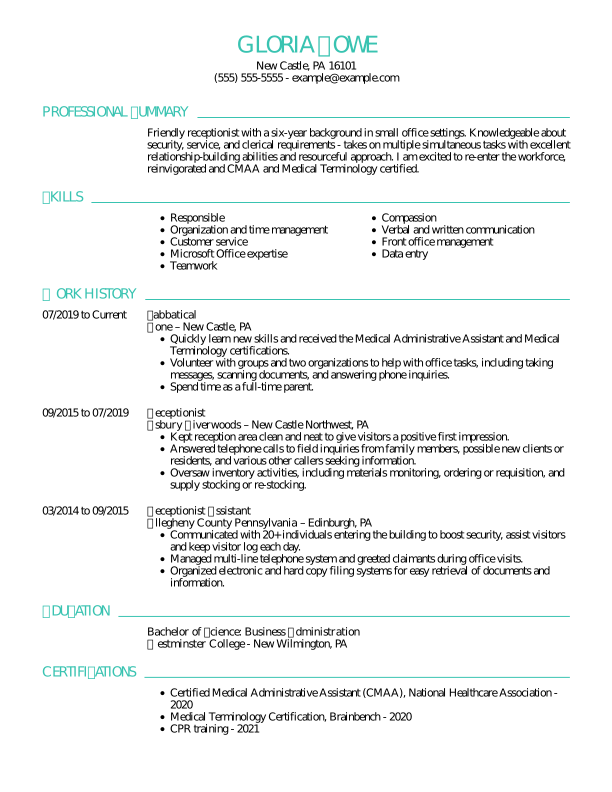
    Traditional Receptionist Experienced Resume: Turquoise

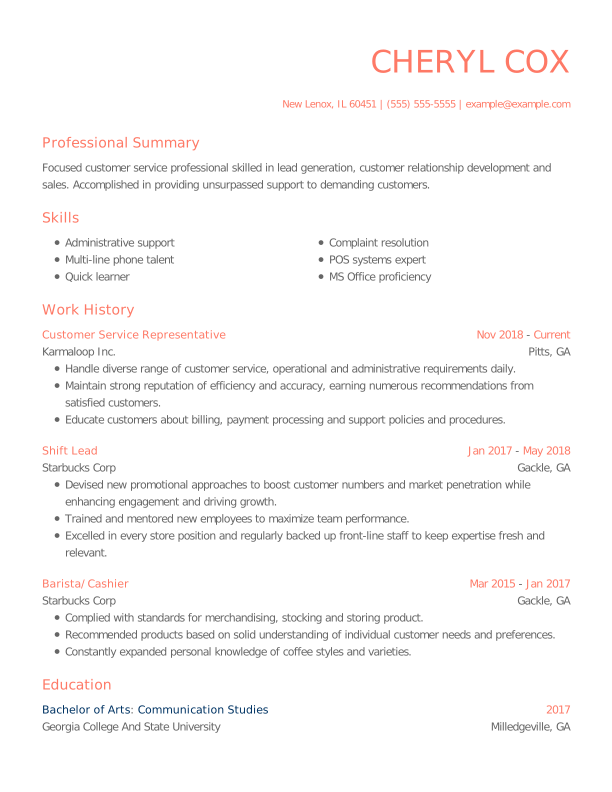
    Modern Customer Service Rep Experienced Resume: Contessa Rose

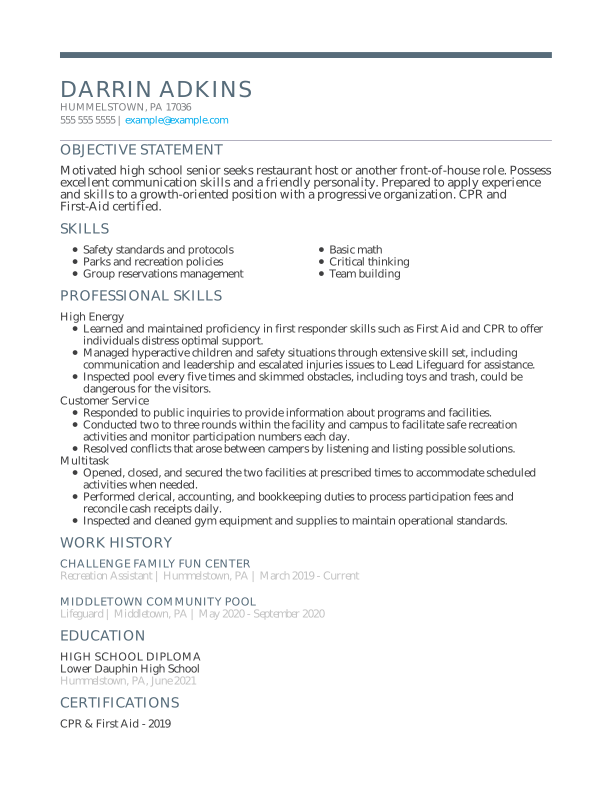
    Modern Student Student Resume: Nobel Grey

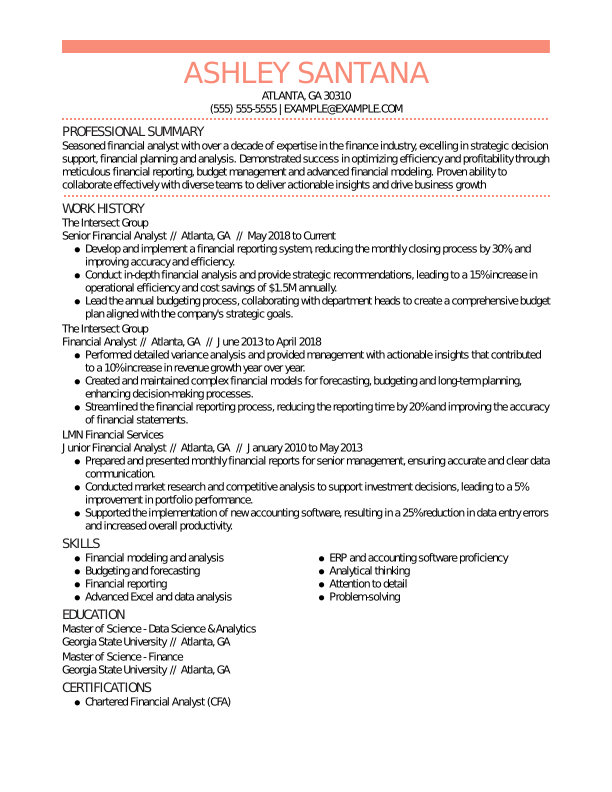
    Traditional Financial Analyst Experienced Resume: Contessa Rose

    Creative Sales Associate Experienced Resume: Olympic Blue

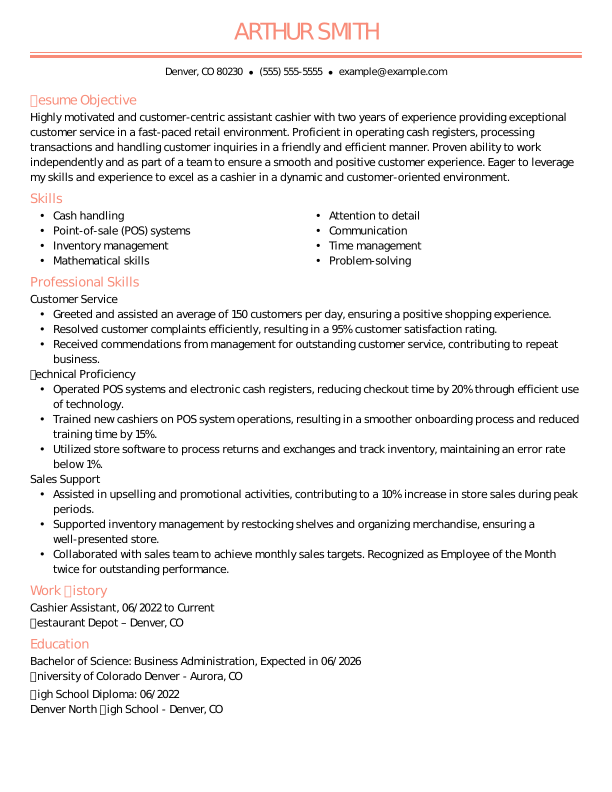
    Traditional Cashier Mid Level Resume: Contessa Rose

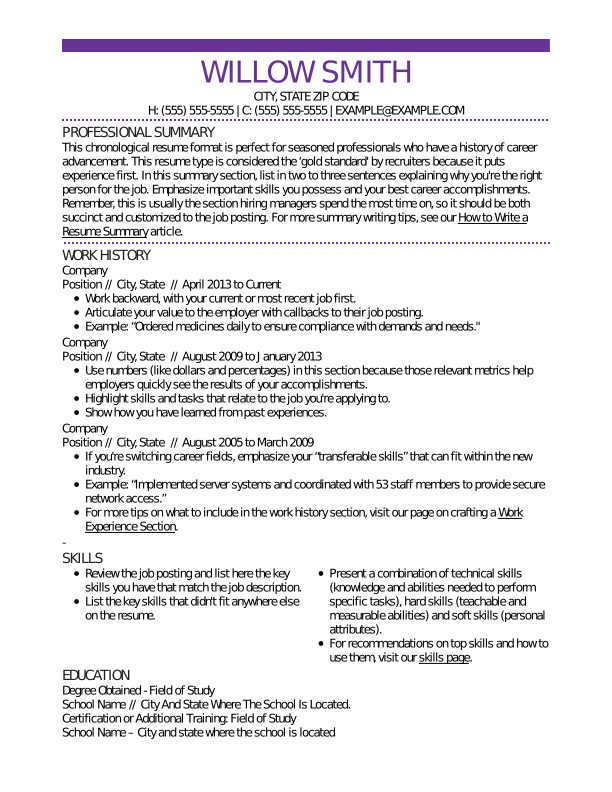
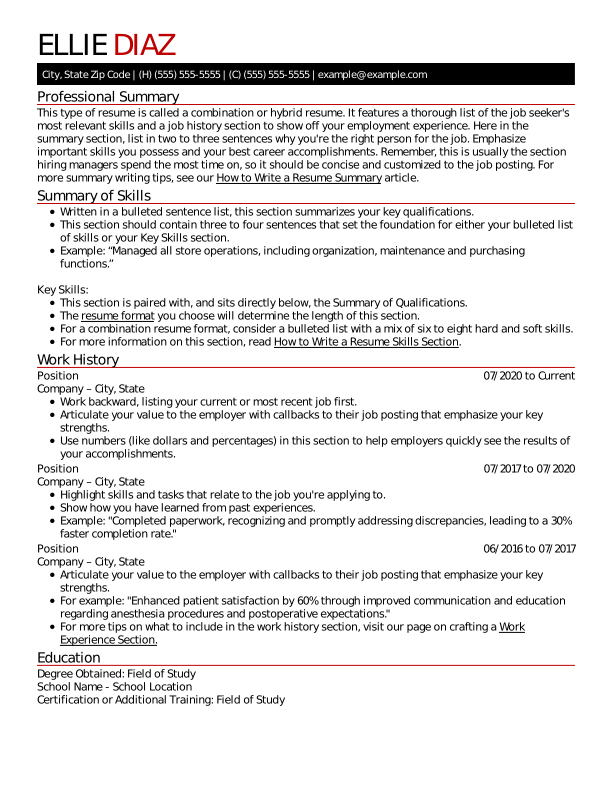
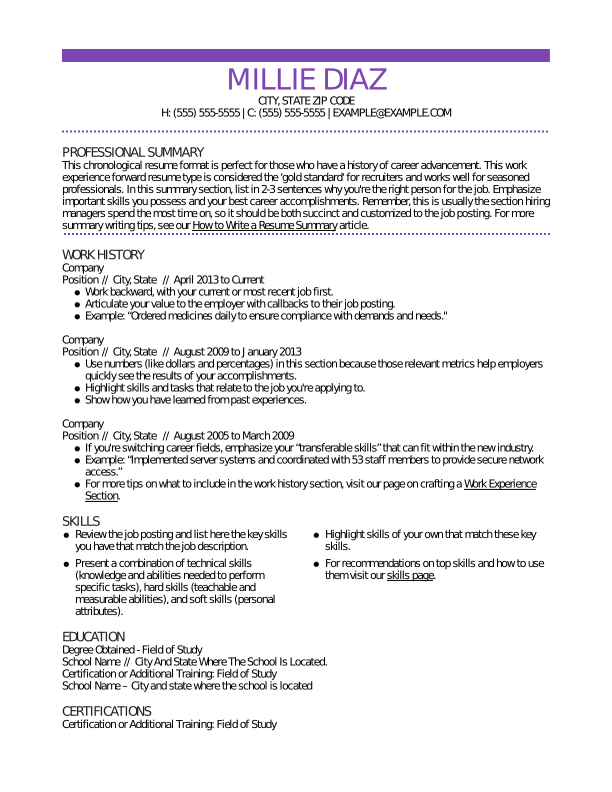
    Traditional Experienced Resume Template Electric Lilac
    free
    Zoom
    Download Template

    Traditional Experienced Resume: Electric Lilac

    Traditional Mid Level Resume Template Full Black
    free
    Zoom
    Download Template

    Traditional Mid Level Resume: Full Black

    Creative Experienced Resume Template Chili Red
    free
    Zoom
    Download Template

    Creative Experienced Resume: Chili Red

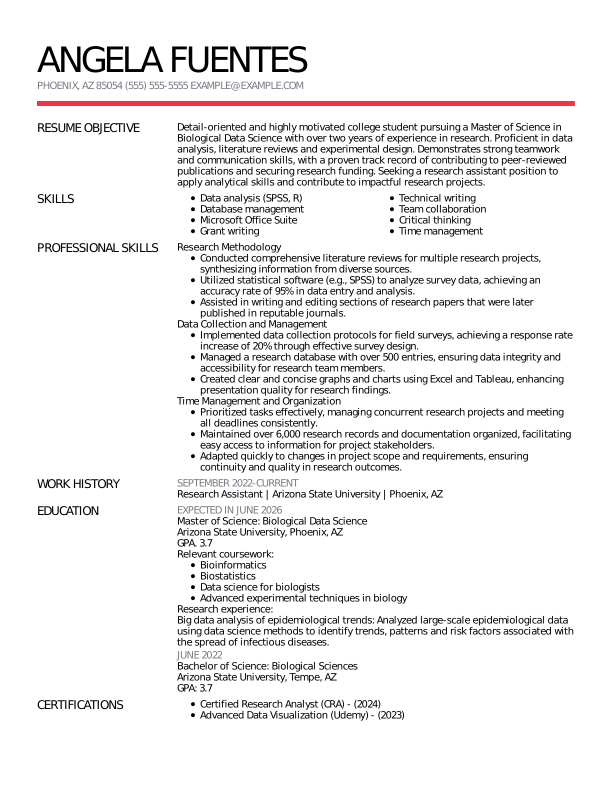
    Modern Research Assistant Mid Level Resume: Chili Red

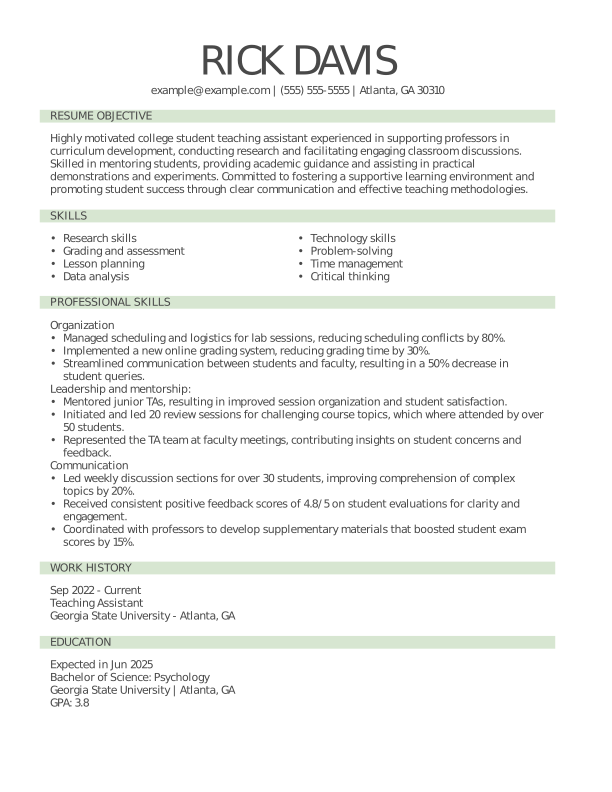
    Traditional Teaching Assistant Mid Level Resume: Pixie Green

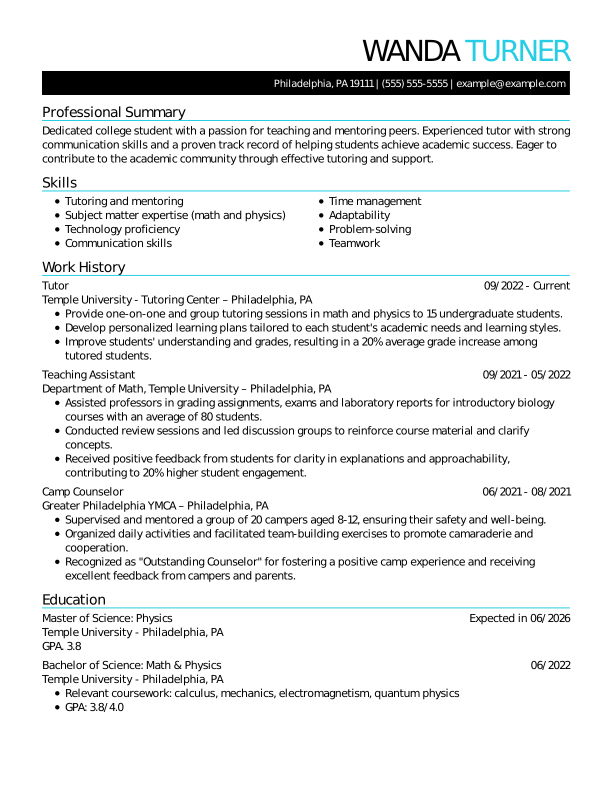
    Traditional Tutor Mid Level Resume: Flourescence

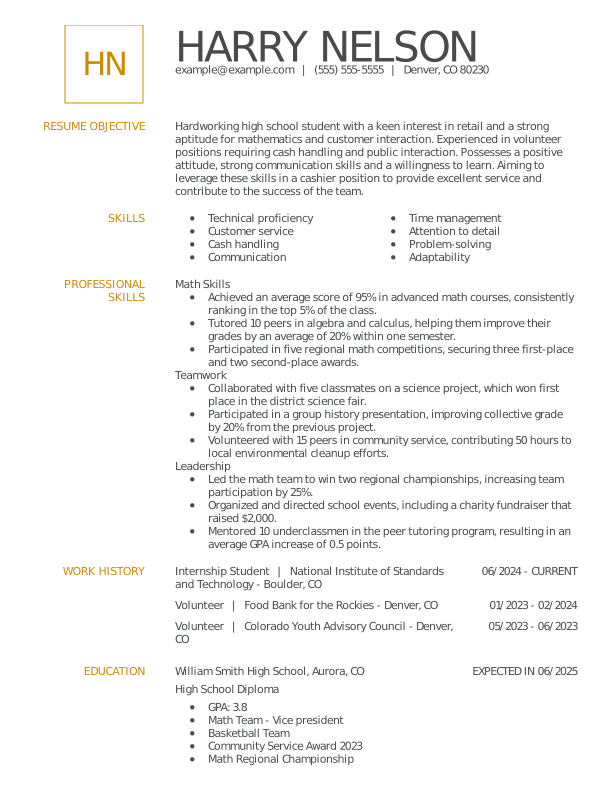
    Modern Student Student Resume: Medallion

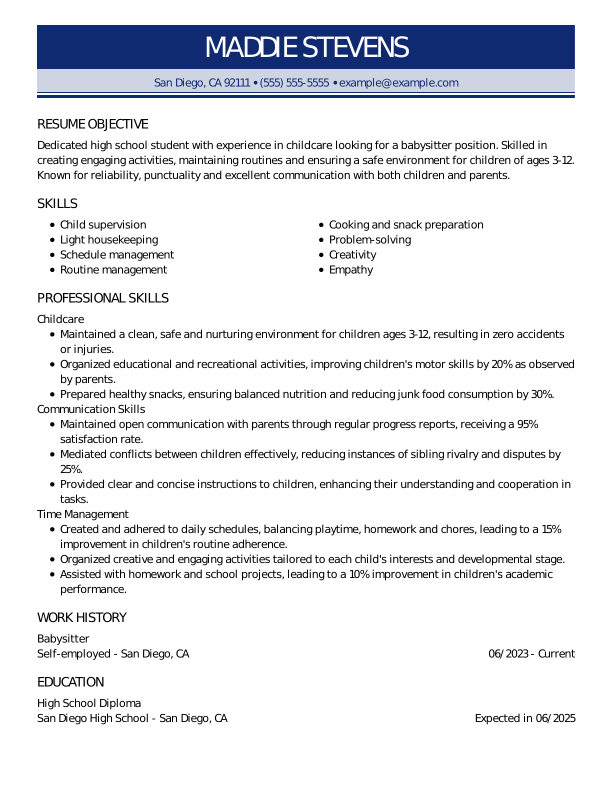
    Traditional Babysitter Entry Level Resume: Oxford Blue

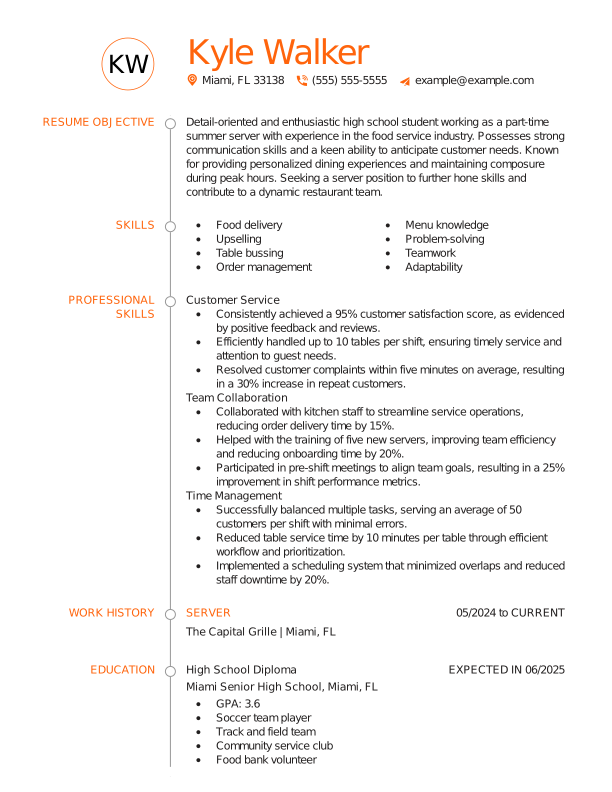
    Creative Server Entry Level Resume: Flaming Orange

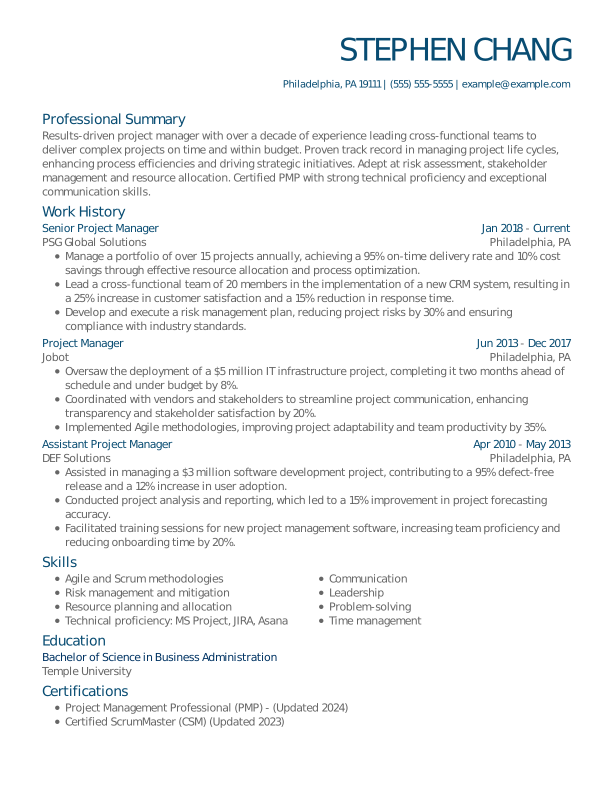
    Modern Project Manager Experienced Resume: Slate Blue

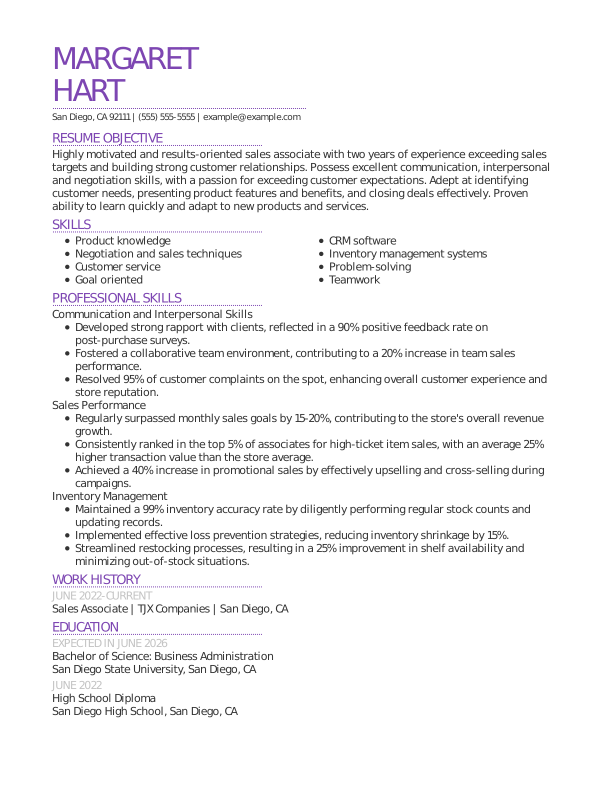
    Modern Sales Associate Mid Level Resume: Electric Lilac

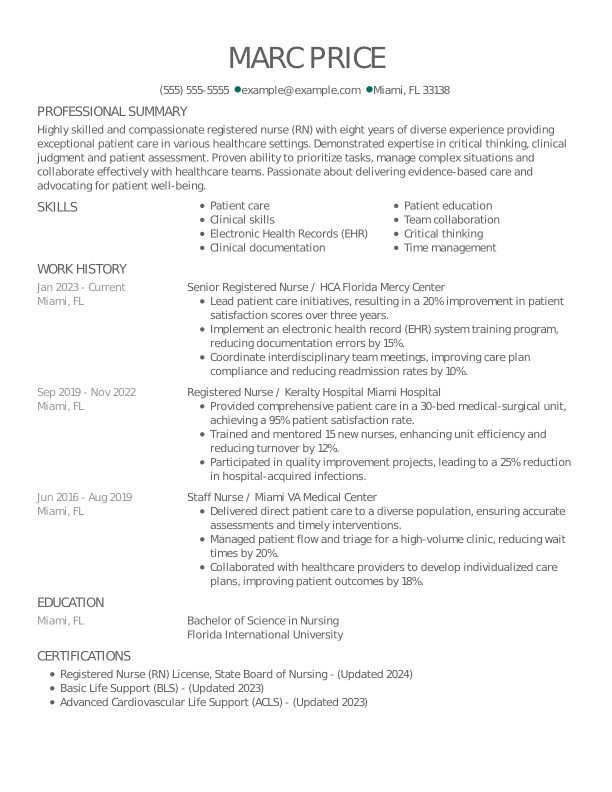
    Creative Registered Nurse Experienced Resume: Empress Teal

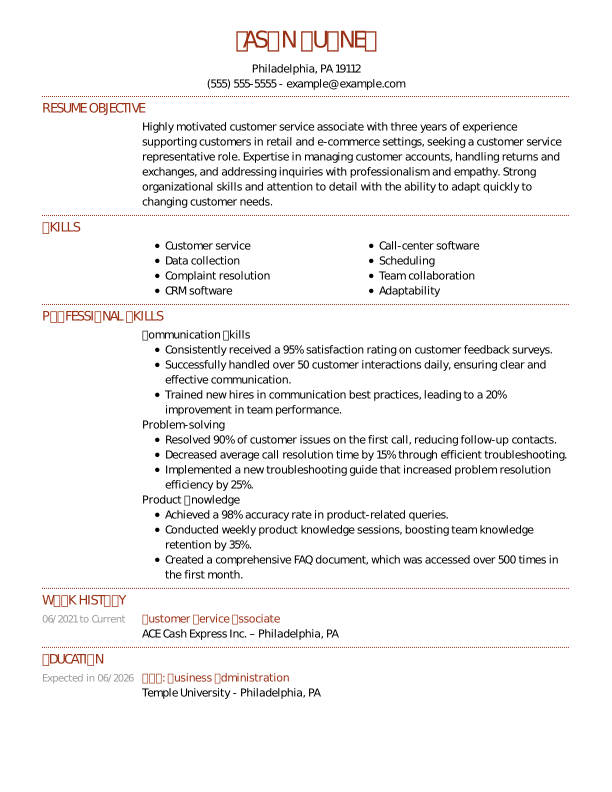
    Traditional Customer Service Associate Mid Level Resume: Indian Red

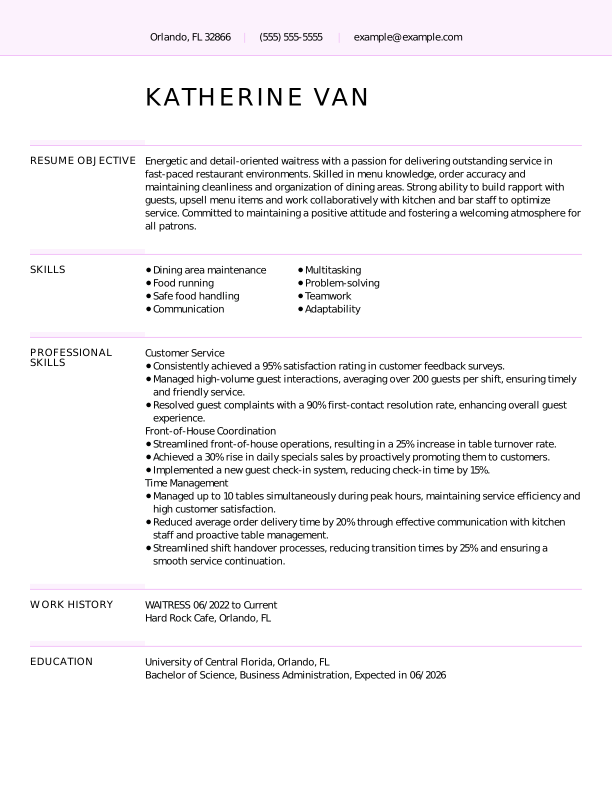
    Creative Waitress Mid Level Resume: Light Wisteria

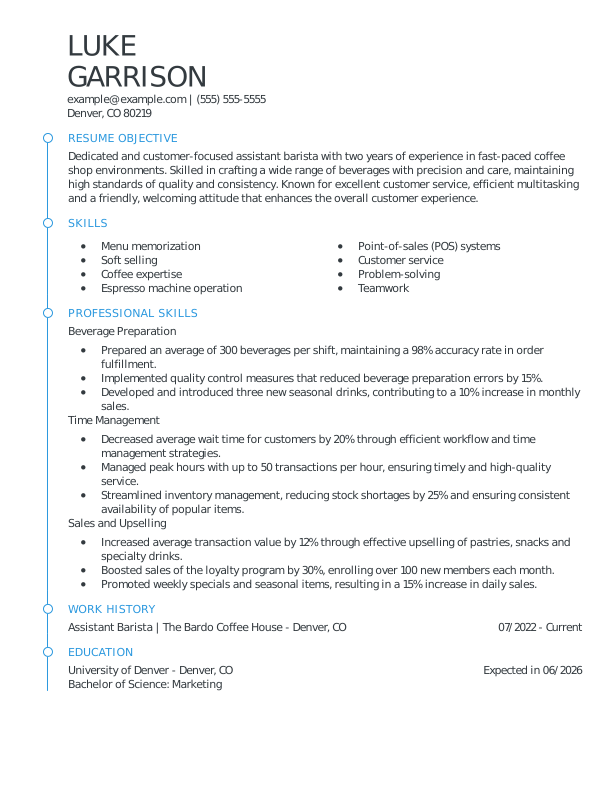
    Modern Barista Mid Level Resume: Olympic Blue

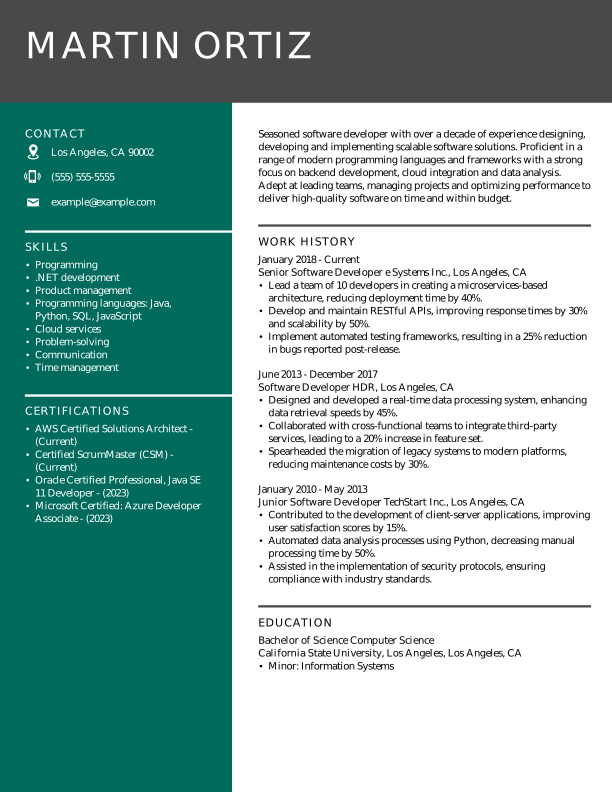
    Modern Software Developer Experienced Resume: Empress Teal

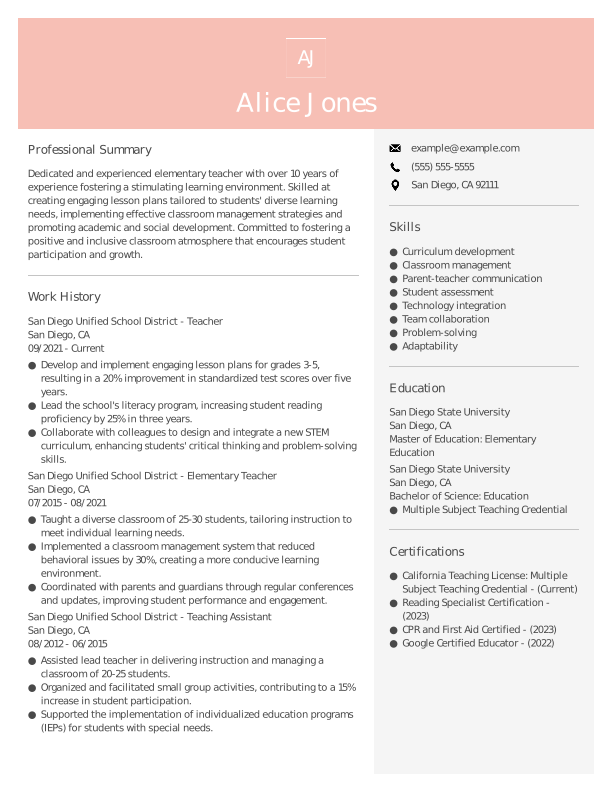
    Modern Teacher Experienced Resume: Azalea Pink

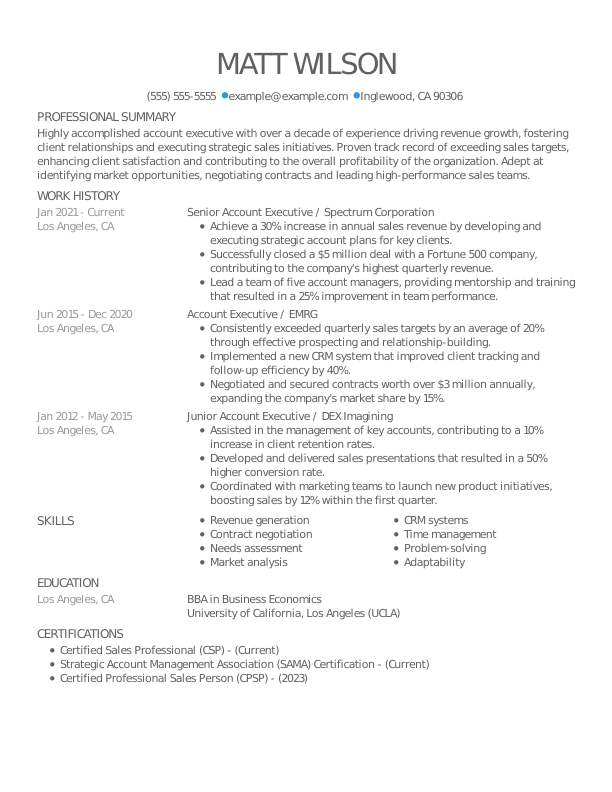
    Creative Senior Account Executive Mid Level Resume: Olympic Blue

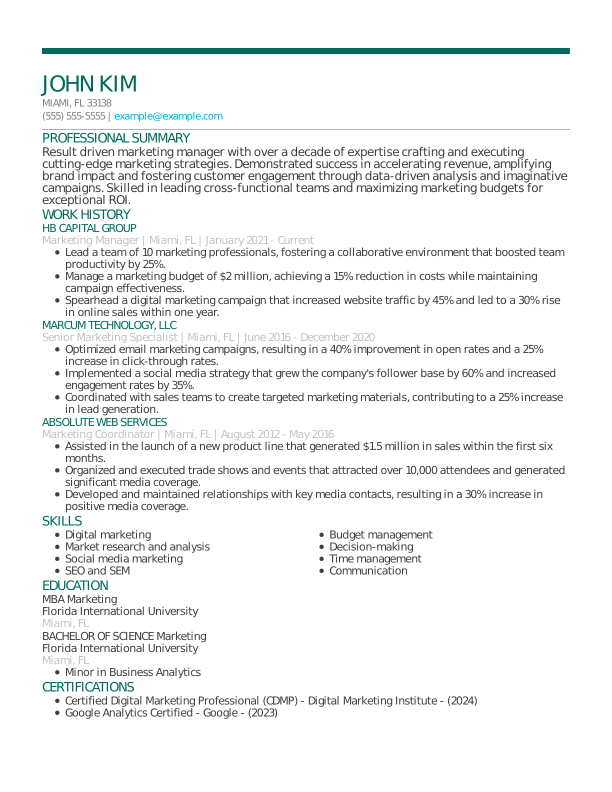
    Modern Marketing Manager Experienced Resume: Empress Teal

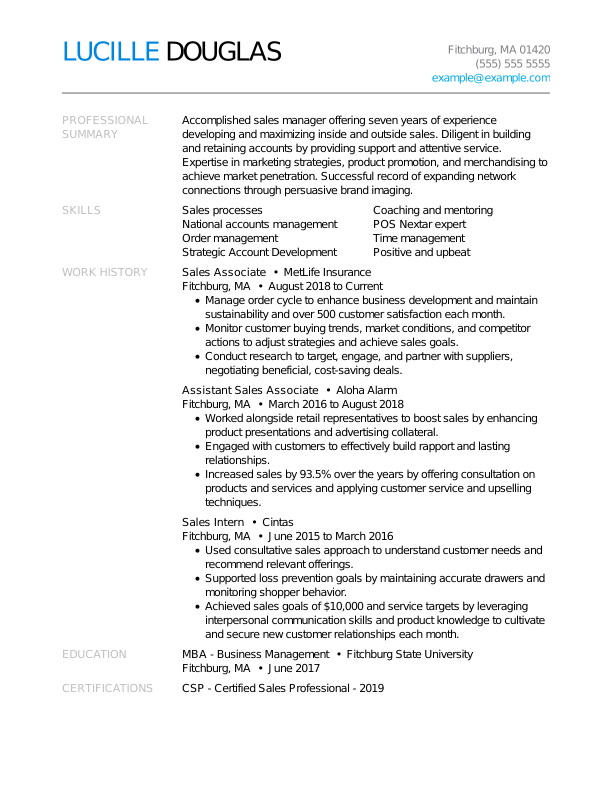
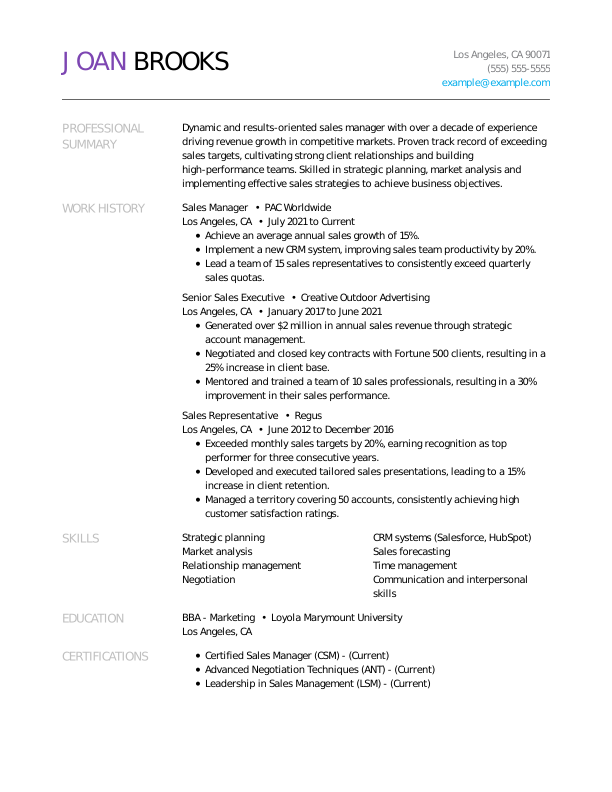
    Creative Sales Manager Experienced Resume: Electric Lilac

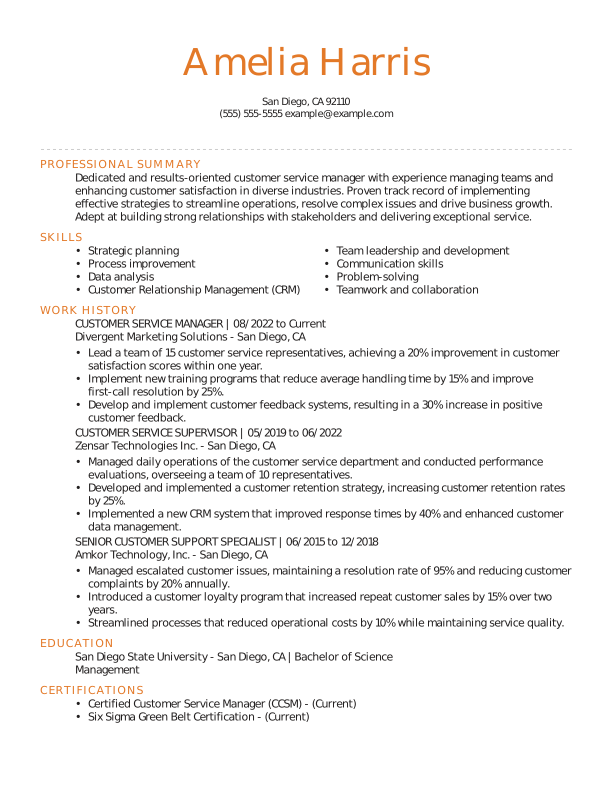
    Traditional Customer Service Manager Experienced Resume: Orange Sunrise

    Choosing the Right Resume Format

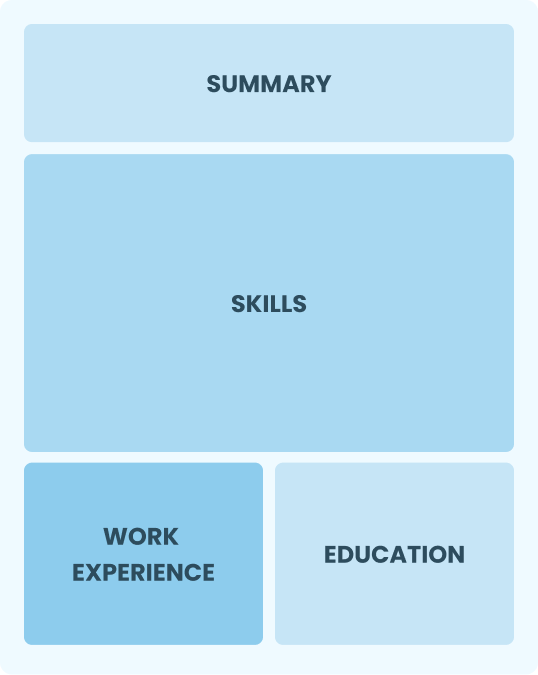
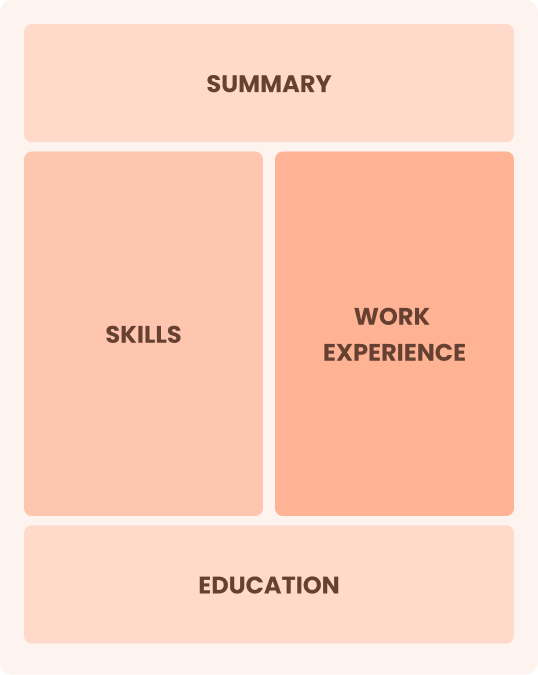
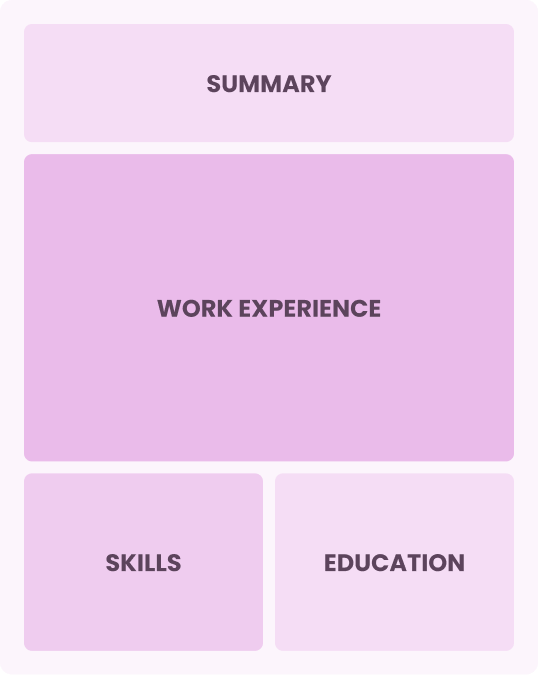
    Our template library features resumes in the three most common formats: chronological, combination, and functional, which each highlight different aspects of your background. Use your experience level as a starting point, then choose the format that best fits your career history and goals.

    0-3 Years of Experience

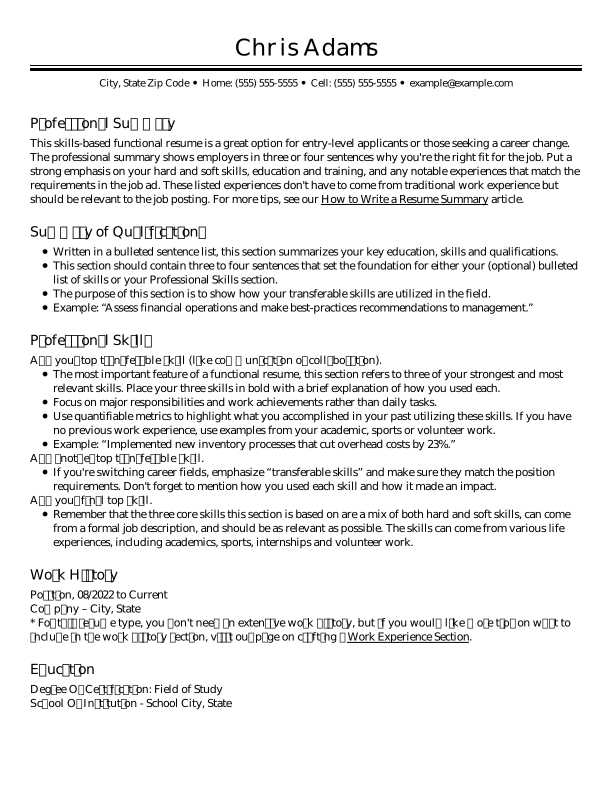
    Functional Resume

    Skills-focused format that emphasizes abilities over work history

    Functional Resume
    • You have limited relevant work experience or want to emphasize skills over work history.
    • You have transferable skills that are more relevant to the role than your work timeline.
    • You’re applying for a role where specific skills or qualifications are more important than career progression.
    3-10 Years of Experience

    Combination Resume

    A middle-ground format that combines skills and work experience

    Combination Resume
    • You have strong, transferable skills and a solid work history.
    • You have gaps in employment or a nonlinear career path
    • You want to balance career progression with your abilities.
    10+ Years of Experience

    Chronological Resume

    Experience-focused format that highlights steady career progression

    Chronological Resume
    • You have a steady career path with clear progression in your field.
    • Your recent experience and career progression are strong selling points for the role.
    • You’re applying in traditional fields where work history is key.
    Counter Left Img
    Over 41 million resumes created since 2005
    Counter Right Img
    Resume Counter Mob Img

    Resume Formatting Best Practices

    A well-formatted resume uses clear section headings, consistent spacing, readable fonts, and concise bullet points. Follow the best practices below to create a resume that’s polished and optimized for recruiters and applicant tracking systems (ATS). 

    Make A One Page Resume

    1. Aim for a 1-Page Resume

    A one-page resume keeps your content focused and scannable. Prioritize only the most relevant skills, experience, and achievements for the role.

    Pick Standard Resume Sections

    2. Pick Standard Resume Sections

    Include clear, expected headings like “Professional Summary,” “Skills,” “Work Experience,” and “Education” to ensure nothing important is overlooked.

    Keep One Inch Margins

    3. Use Standard Margins

    Keep margins between 0.5 and 1 inch on all sides to prevent overcrowding and ensure your content prints and displays properly across devices.

    Use Proper Line Spacing

    4. Ensure Proper Line Spacing

    Use single spacing or up to 1.15 line spacing to create enough white space for easy scanning without wasting room on the page or squeezing text together.

    Use The Appropriate Font Size

    5. Use the Appropriate Font Size

    Keep body text sized at 10–12 points, section headings at 14–16 points, and your name at 18–24 points for readability and a clear information hierarchy.

    Use Bullets

    6. Opt for Simple Bullet Points

    Use simple bullet points to present your experience in a clear, scannable format. Avoid overly complex symbols or formatting, as they can confuse an ATS.

    Choose An Easy To Read Font

    7. Choose an Easy-to-Read Font

    Choose a clean, professional font like Arial, Calibri, or Helvetica. Avoid decorative or script fonts, which can reduce readability and appear unprofessional.

    Save Your Resume As A Pdf

    8. Save in the Right File Format

    Unless the job posting requests a different format, it’s generally advisable to save your resume as a PDF to preserve formatting, spacing, and layout across devices and operating systems.

    See What Job Seekers Are Saying About Us

    Get Hired Faster With Our Resume Templates

    Our resume templates combine modern design with proven formatting strategies to highlight your strengths and help you make a strong first impression on hiring managers.
    Woman looking at icons representing different career types.

    Designs for All Industries

    Explore job-specific resume templates that focus on highly relevant keywords, skills, and achievements.
    Hands adjusting design elements like color and layout.

    User-Friendly Tools

    Edit your template with our builder using intuitive tools like a color picker and drag-and-drop section rearrangement.
    Woman using a magnifying glass to find helpful writing tips.

    Job-Specific Content Suggestions

    Each template includes job-specific content suggestions to save you time and boost your impact on recruiters.
    Person closely checking a document layout for errors.

    ATS Resume Check Tool

    Optimize your resume with tips from our ATS Resume Checker to ensure you pass the first-round review. 
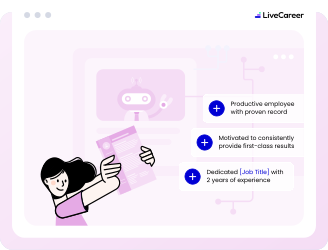
    Robot reviewing a document to show it is computer-friendly.

    ATS-Friendly Layouts

    Our templates are built with ATS-friendly formatting, ensuring your resume is easily read by screening software.
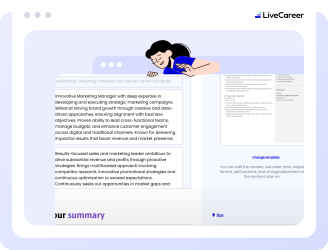
    Woman editing a document section with a pencil icon.

    Easy Customization

    With flexible and intuitive customization options, you can easily edit layouts and adjust formatting.
    Person deciding between PDF, Word, or text file formats.

    Multiple Download Options

    Download a free resume template, or customize one with our builder and download it as a PDF or Word file.
    Rocket ship launching from a document to show fast creation.

    AI-Powered Resume Builder

    Edit a template with our Resume Builder featuring integrated AI tools to help you write and improve your content.
    Man comparing two documents with matching designs.

    Matching Cover Letter Templates

    Pair your resume template with a matching cover letter template for a cohesive, complete application.

    Resume Templates for Top Jobs

    Discover more resume templates and job-specific examples featuring standout designs and content tailored to today’s fastest-growing careers.

    Expert Reviews of LiveCareer

    Frequently Asked Questions

    Last updated on June 21, 2026

    What is the best resume template?

    The best resume templates are clean, ATS-friendly, and tailored to your industry and experience level. They should clearly highlight your work history, skills, and achievements while avoiding overly complex designs. While the ideal resume template depends on your target role, simple, professional layouts are typically most effective for getting noticed across industries.

    Where can I download a professional resume template?

    You can download resume templates on this page. To download a free resume template, go to the “Price” filter at the top of this page, select the “Free” option, then choose a template and click “Download Template.” You can also download any of the templates on this page for free in plain text (TXT) format, or in Word or PDF format with a premium subscription. 

    Are free resume templates ATS-friendly?

    Yes, free resume templates can be ATS-friendly if they use a simple layout, standard section headings, readable fonts, and text-based formatting. Avoid templates with complex graphics, tables, text boxes, or decorative elements that may interfere with ATS. Whether a template is free or paid doesn’t determine its ATS compatibility; the structure and formatting matter most.

    Can ChatGPT write my resume?

    ChatGPT can write your resume by drafting, structuring, and refining each section based on your experience and target job. It can generate summaries, bullet points, and keyword-optimized content. You should, however, always review and personalize the final version to ensure accuracy and that it reflects your unique skills.

    What are the three C’s of a resume?

    The three C’s of a resume are clarity, conciseness, and consistency. A strong resume should clearly communicate your experience, keep content brief and relevant, and maintain a consistent format throughout. Our resume templates are designed around these principles to help you present your qualifications in a clean, professional way that’s easy for hiring managers to read.

    What should I not put on my resume?

    You’ll generally want to leave off personal details, such as age, date of birth, and marital status, as well as irrelevant or outdated experience, vague statements, unrelated hobbies, and outdated skills. Photos are also best avoided unless they’re standard or specifically requested for your industry or location. A professional resume template can help you focus on job-relevant information so your application stays clean, polished, and aligned with what employers care about most.

    What is the seven-second rule in a resume?

    The “seven-second rule” is a commonly cited idea that hiring managers may spend only a few seconds initially scanning a resume before deciding whether to keep reading. This highlights the importance of making key information easy to spot at a glance, including your relevant experience, skills, and top achievements.

    Should I use a chronological or functional resume template?

    You should use a chronological resume template if you have a steady work history and want to emphasize career progression. A functional resume template may be better in some instances if you have significant employment gaps, limited experience, or want to focus on skills rather than traditional job history. For most job seekers, a chronological format is the standard choice because it clearly shows recent experience and career progression. 

    Related Articles

    Sitejabber Customer Choice

    Ready to Land the Job?

    Join 28M+ job seekers who built interview-winning resumes with LiveCareer.

    Banner inviting you to use the builder tool to create your document.

    Build Your Resume

    Build a resume with LiveCareer

    Build My Resume
    Build My Cover Letter

    Craft a Winning Cover Letter

    Build My Cover Letter