
Resume Formatting Best Practices
Use one of our professional resume templates and follow the best practices below to create a resume that’s clear, polished, and optimized for recruiters and applicant tracking systems (ATS).
Choose the right resume format, then start with a free template. Customize it in our builder and download a professional resume in minutes.
Hired By:*

 Featured
 Industry
 Experience
 Style
Style Layout
 Price
Price Color
ColorChoose from 345 ATS friendly templates
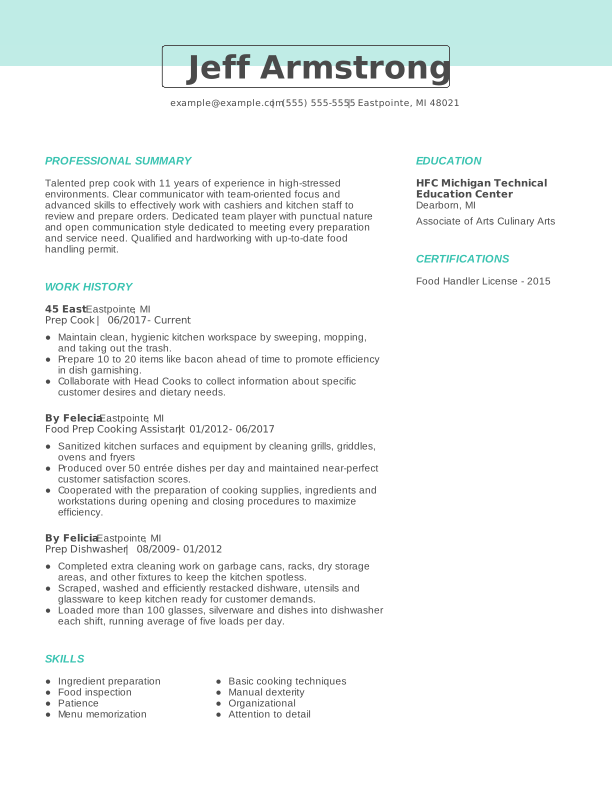
Creative Prep Cook Experienced Resume: Turquoise
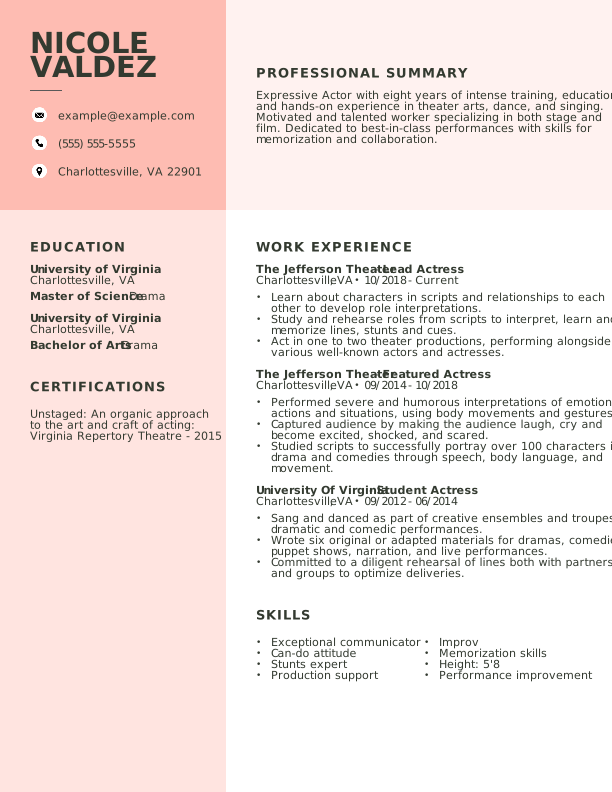
Creative Actor Experienced Resume: Contessa Rose
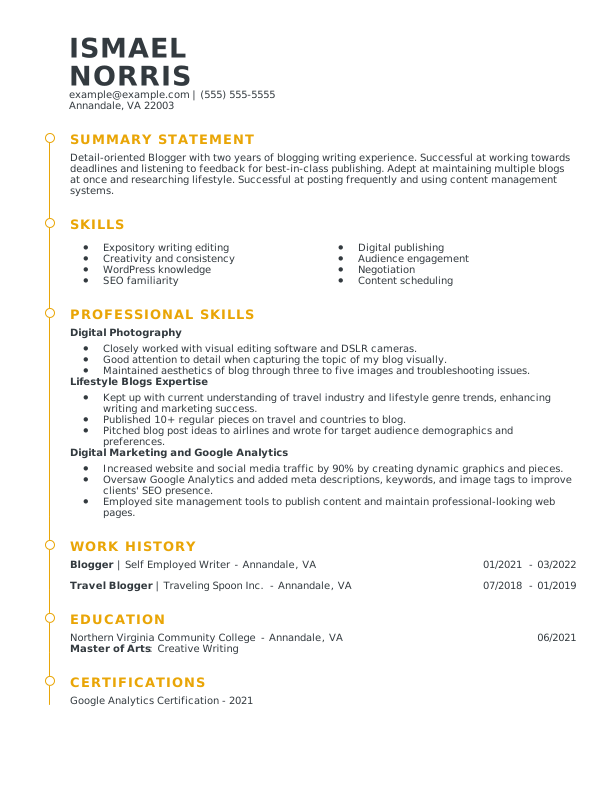
Modern Blogger Mid Level Resume: Medallion
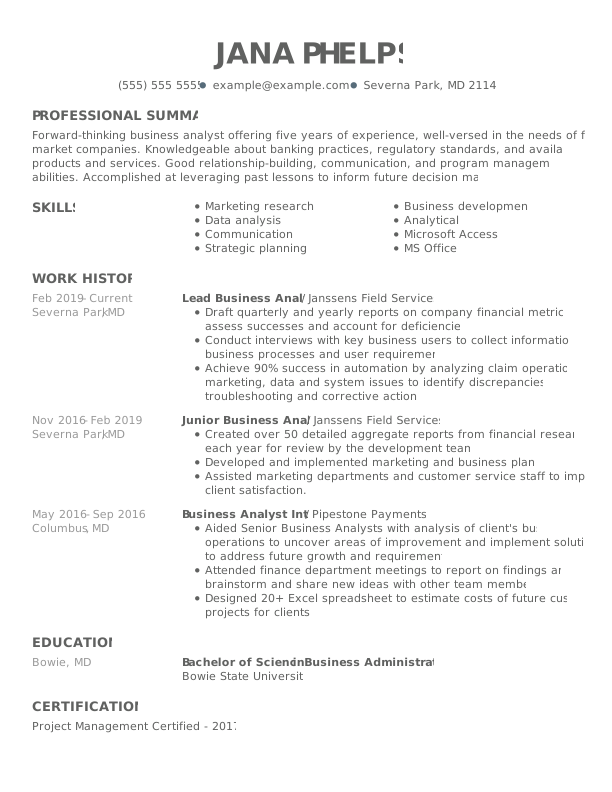
Creative Lead Business Analyst Experienced Resume: Nobel Grey
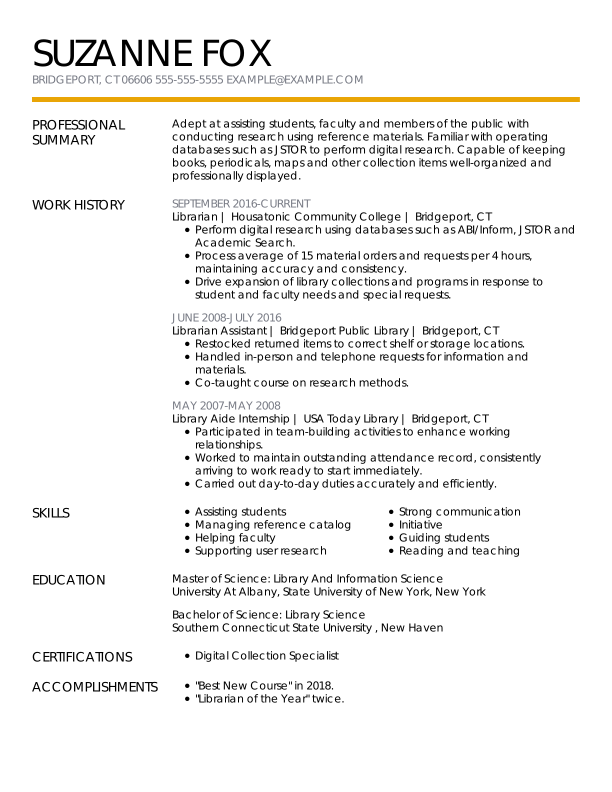
Modern Librarian Experienced Resume: Medallion
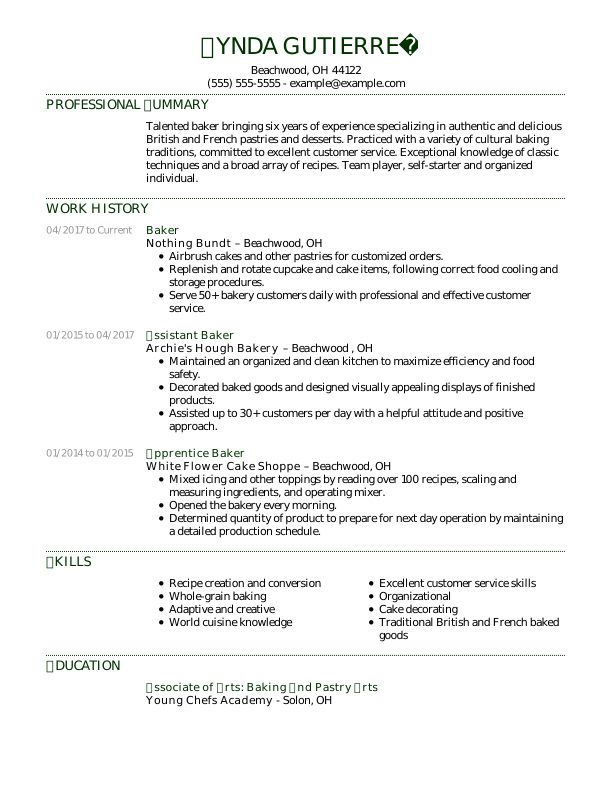
Traditional Baker Experienced Resume: Jungle Green
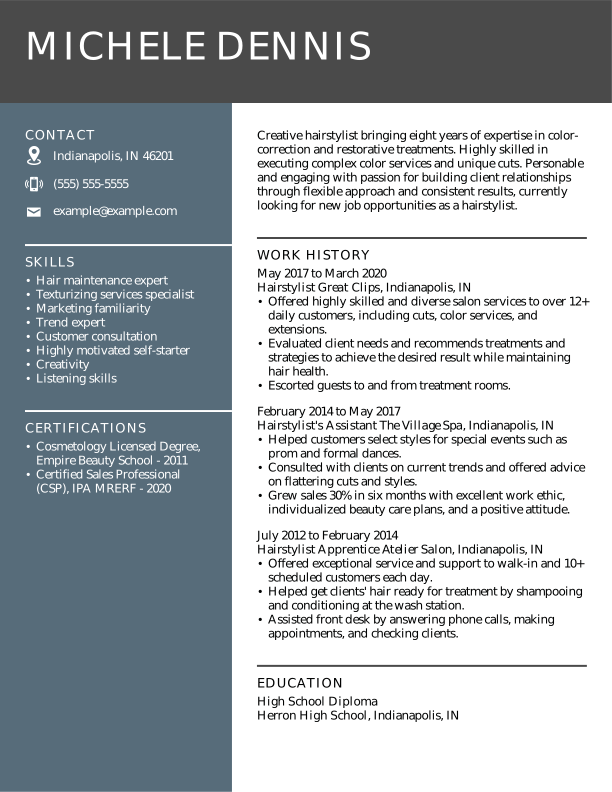
Modern Hairstylist Experienced Resume: Nobel Grey
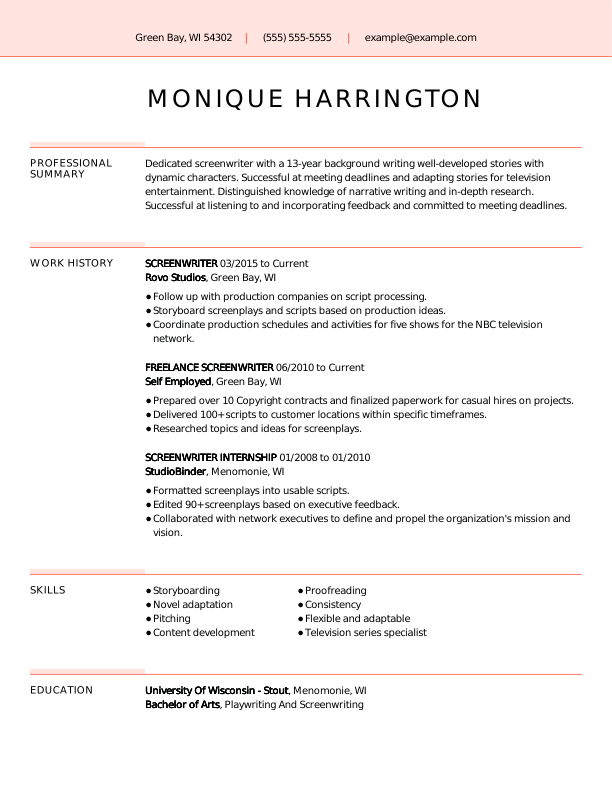
Creative Screenwriter Experienced Resume: Contessa Rose
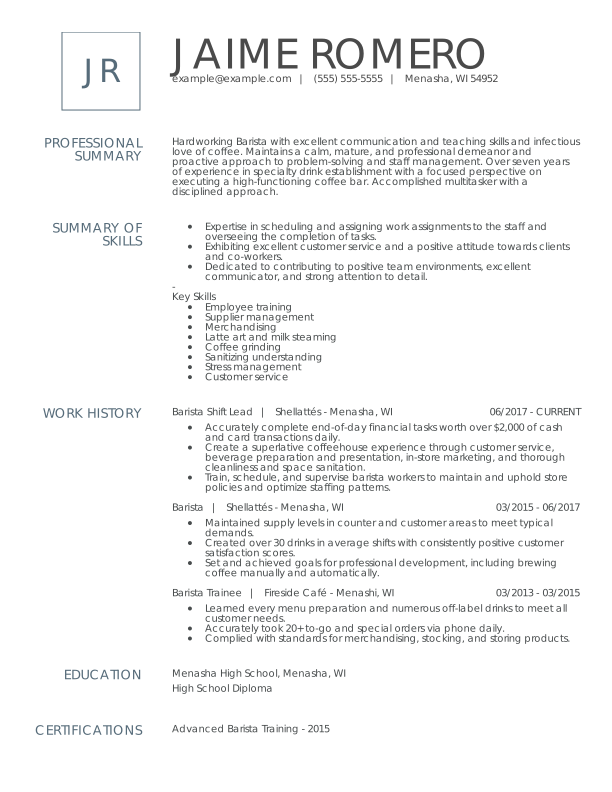
Modern Barista Experienced Resume: Nobel Grey
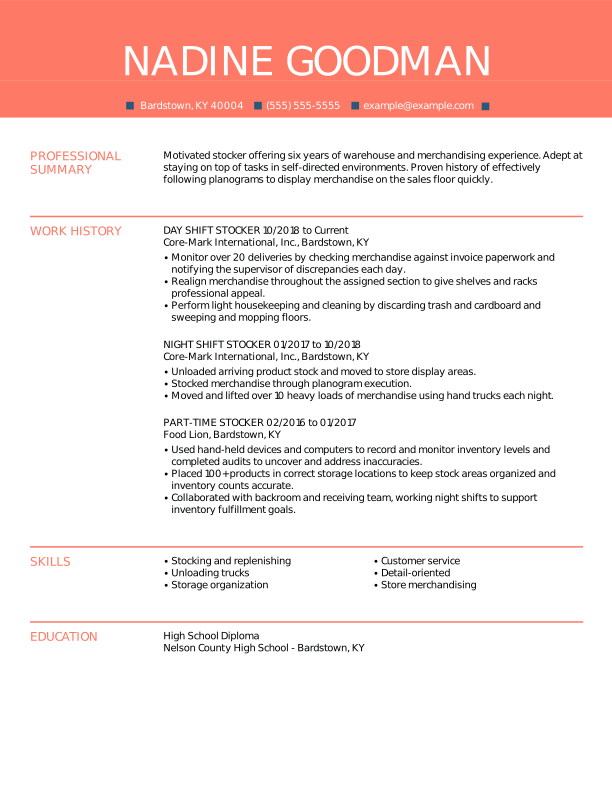
Creative Stocker Experienced Resume: Contessa Rose
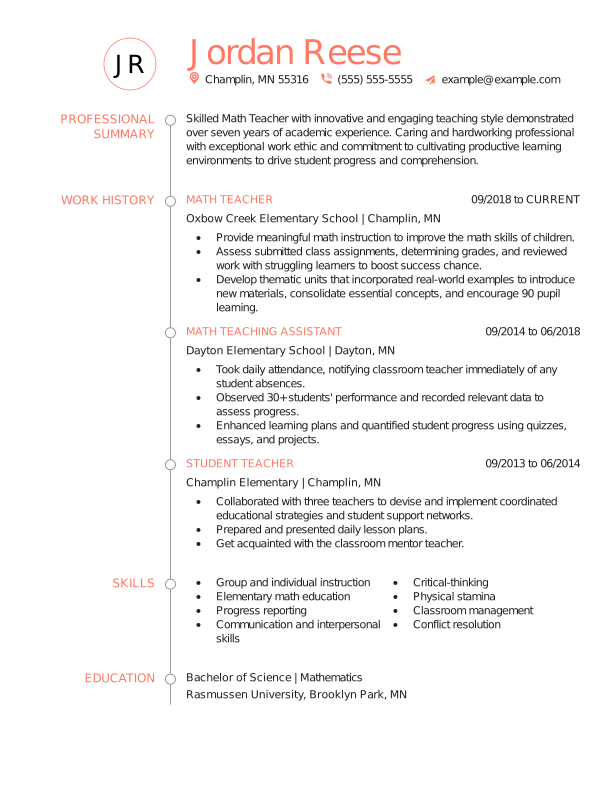
Creative Math Teacher Experienced Resume: Contessa Rose
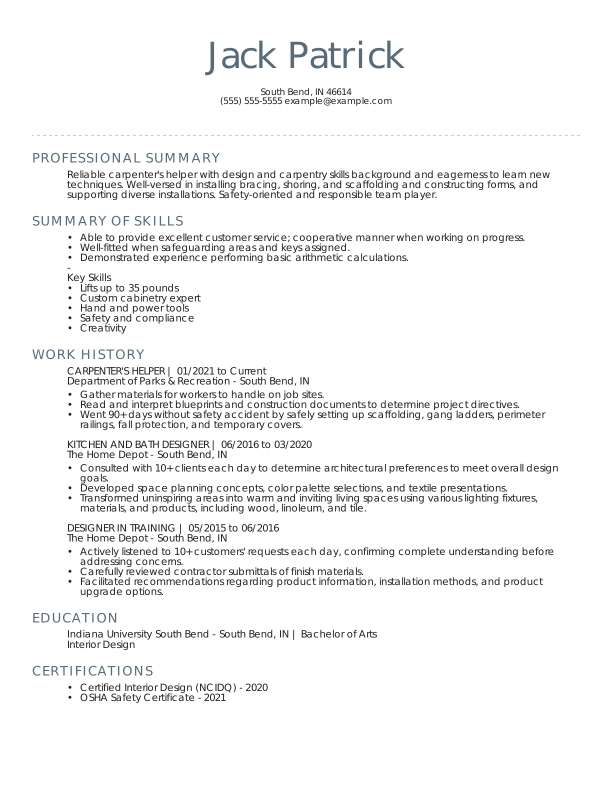
Traditional Carpenter's Helper Experienced Resume: Nobel Grey
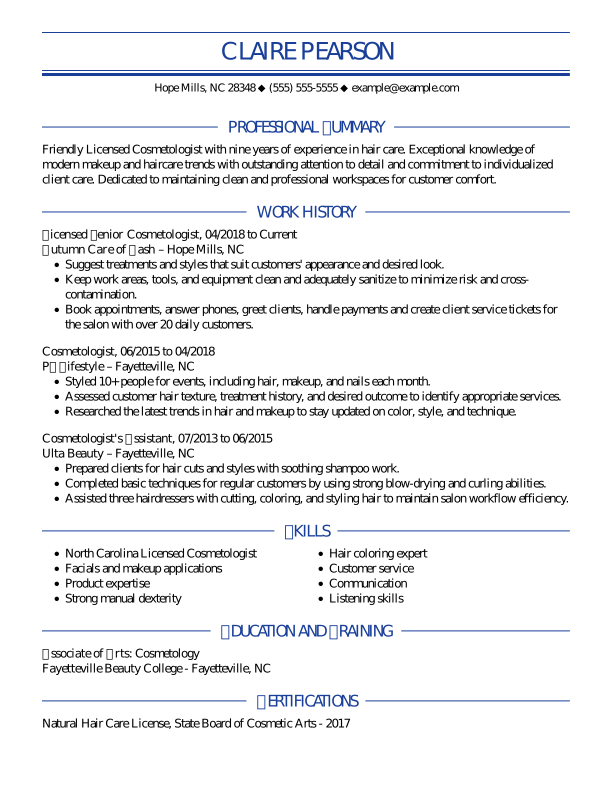
Traditional Cosmetologist Experienced Resume: Oxford Blue
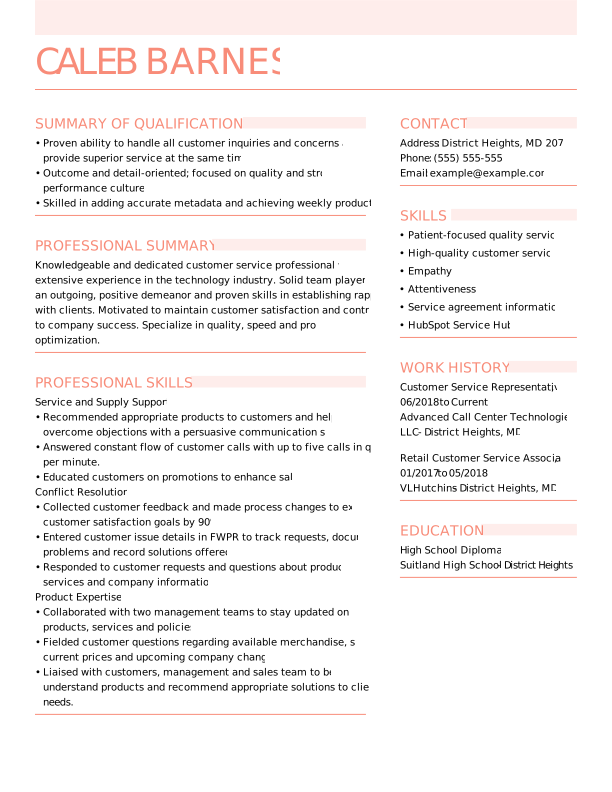
Modern Customer Service Rep Mid Level Resume: Contessa Rose
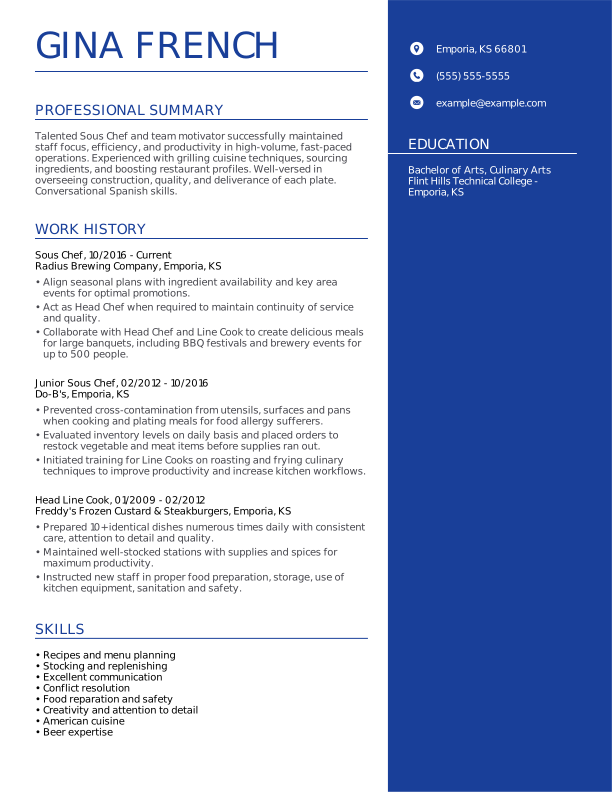
Modern Sous Chef Experienced Resume: Oxford Blue
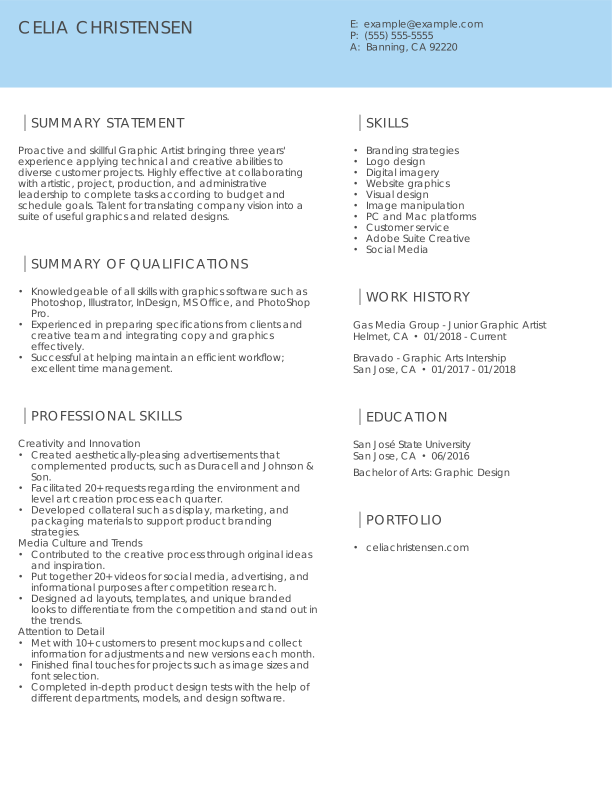
Modern Graphic Designer Mid Level Resume: Olympic Blue
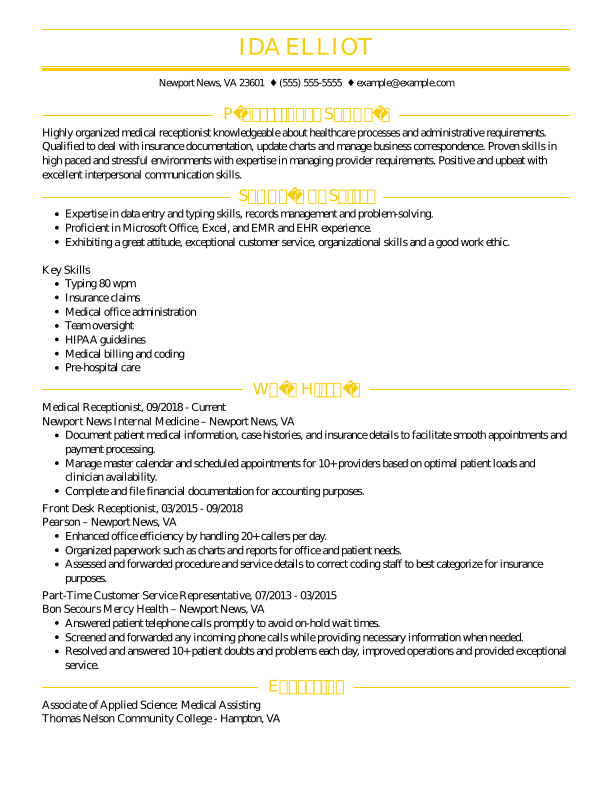
Traditional Medical Receptionist Experienced Resume: Tuscan Yellow
Traditional Information Technology Assistant Experienced Resume: Contessa Rose
Modern Medical Receptionist Experienced Resume: Olympic Blue
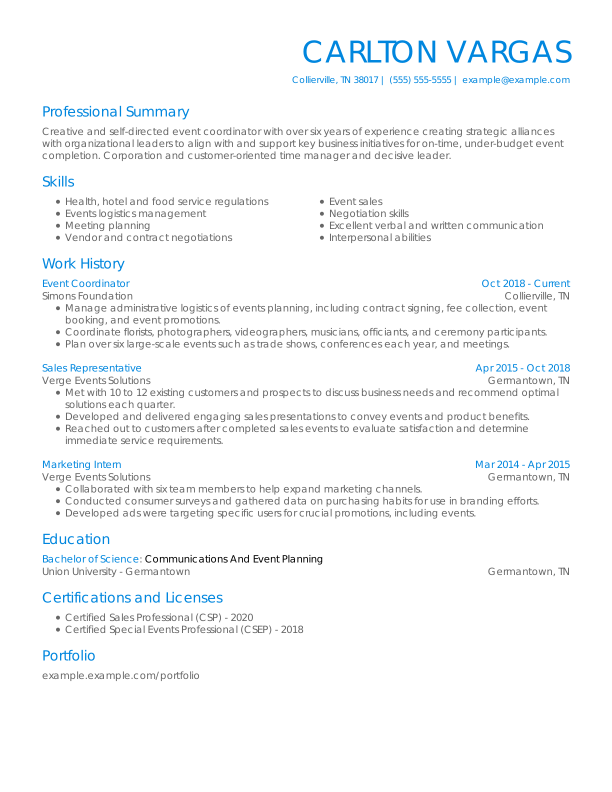
Traditional Event Coordinator Experienced Resume: Olympic Blue
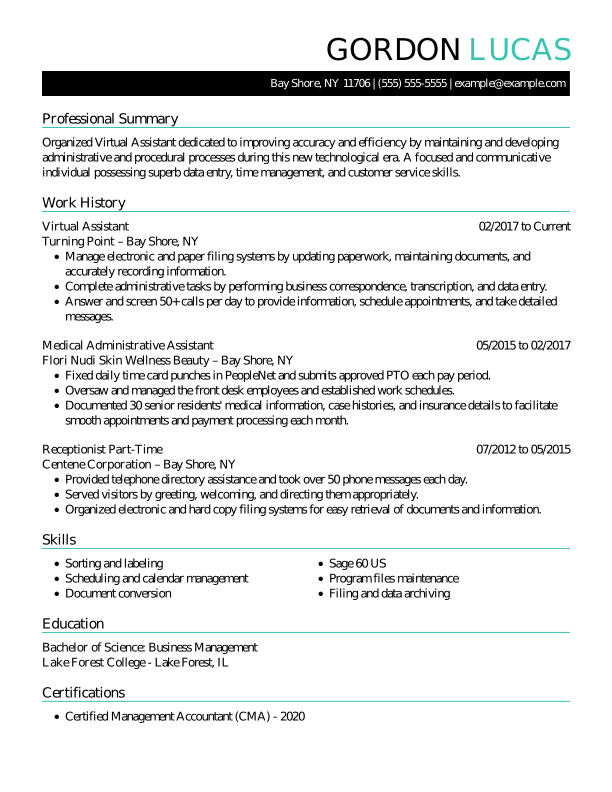
Traditional Virtual Assistant Experienced Resume: Turquoise
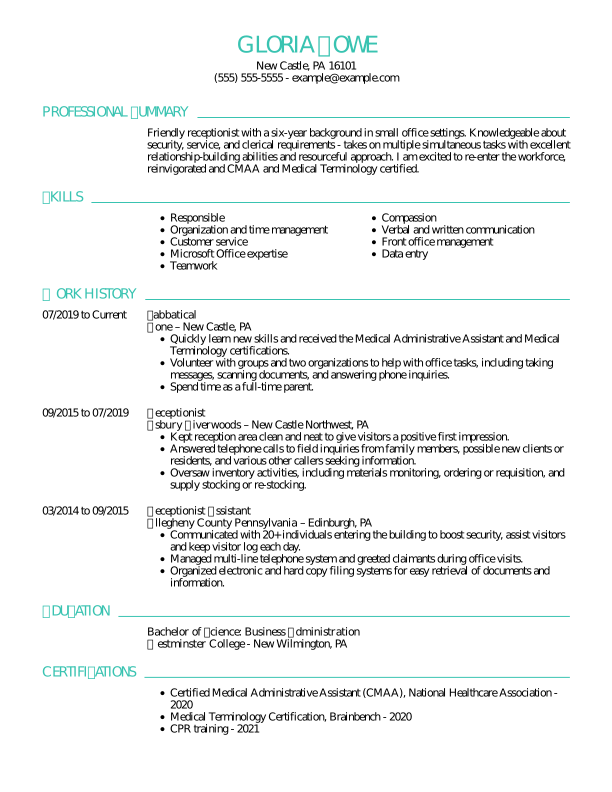
Traditional Receptionist Experienced Resume: Turquoise
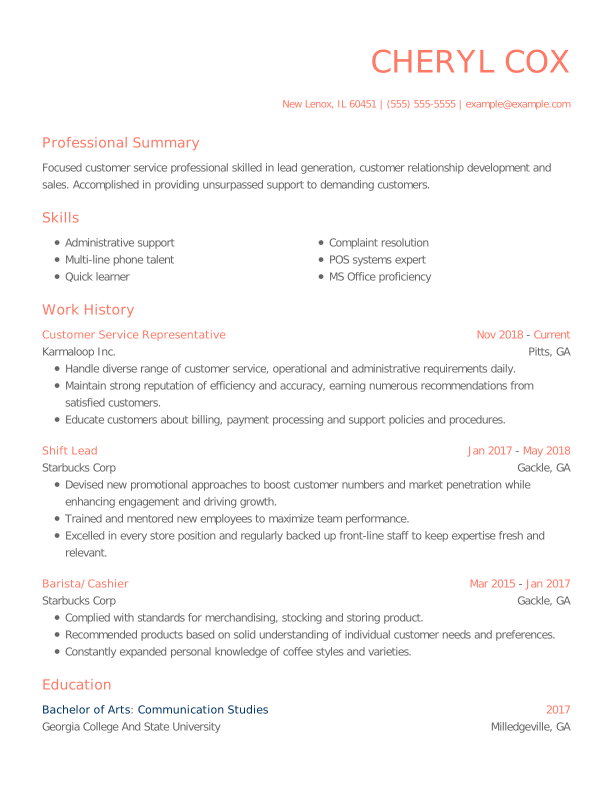
Modern Customer Service Rep Experienced Resume: Contessa Rose
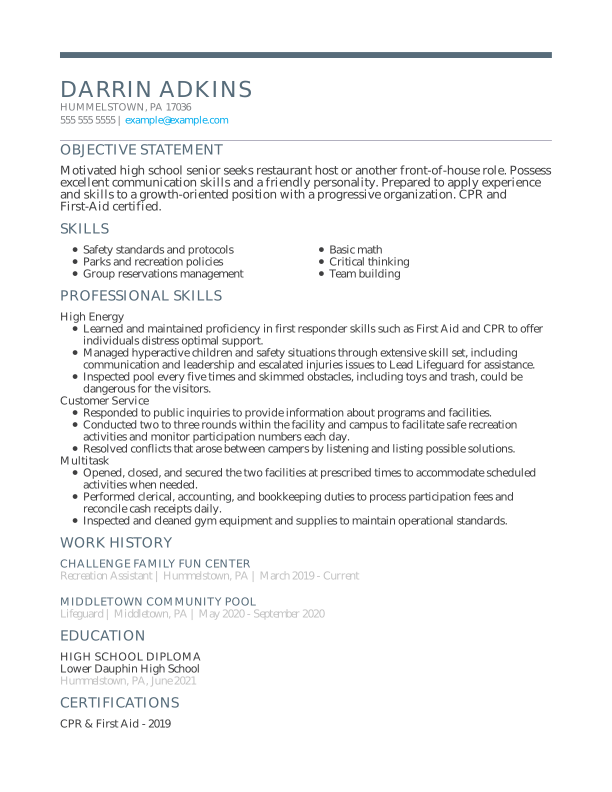
Modern Student Student Resume: Nobel Grey
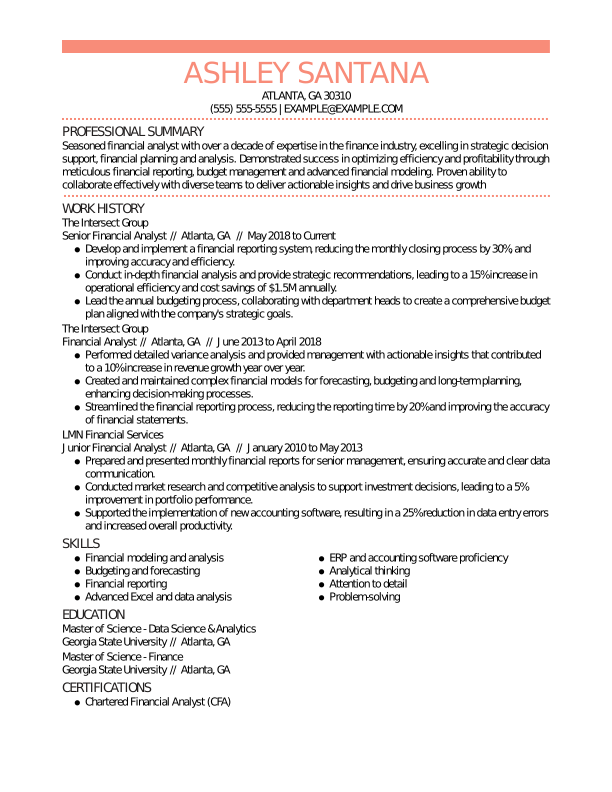
Traditional Financial Analyst Experienced Resume: Contessa Rose
Creative Sales Associate Experienced Resume: Olympic Blue
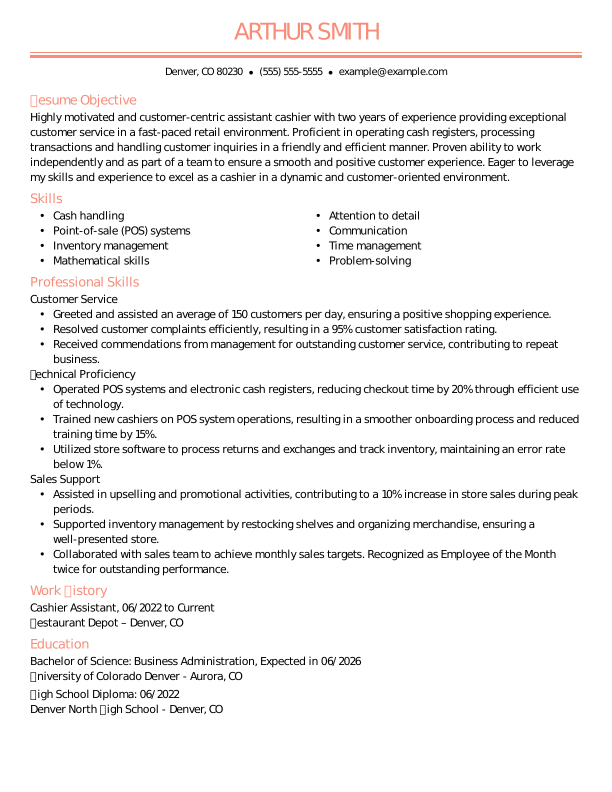
Traditional Cashier Mid Level Resume: Contessa Rose
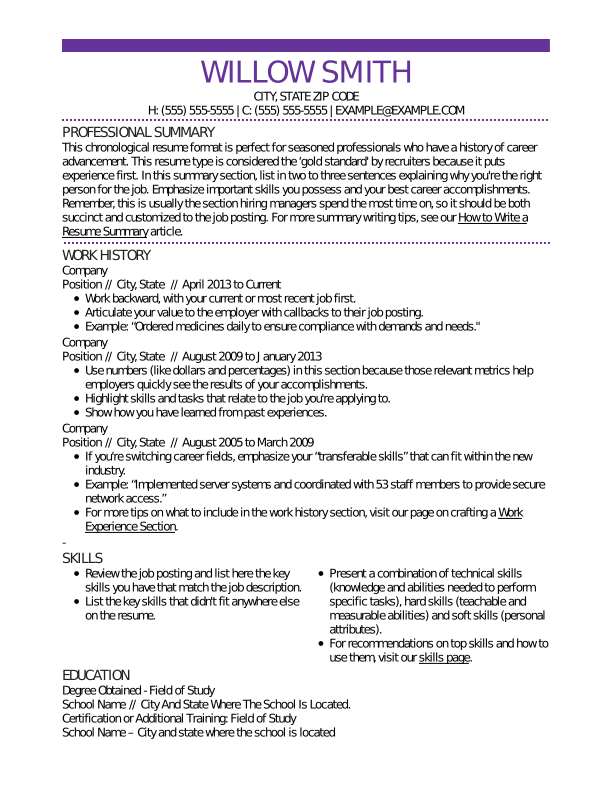
Traditional Experienced Resume: Electric Lilac
Traditional Mid Level Resume: Full Black
Creative Experienced Resume: Chili Red
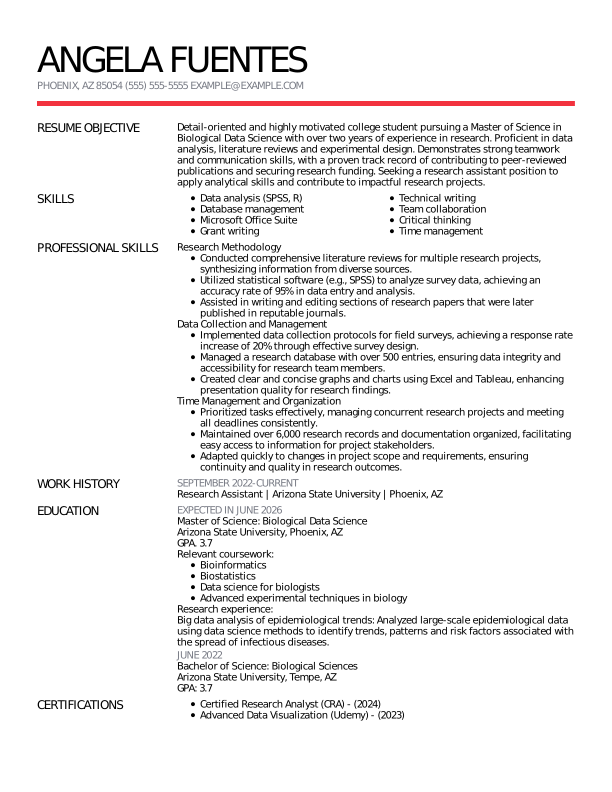
Modern Research Assistant Mid Level Resume: Chili Red
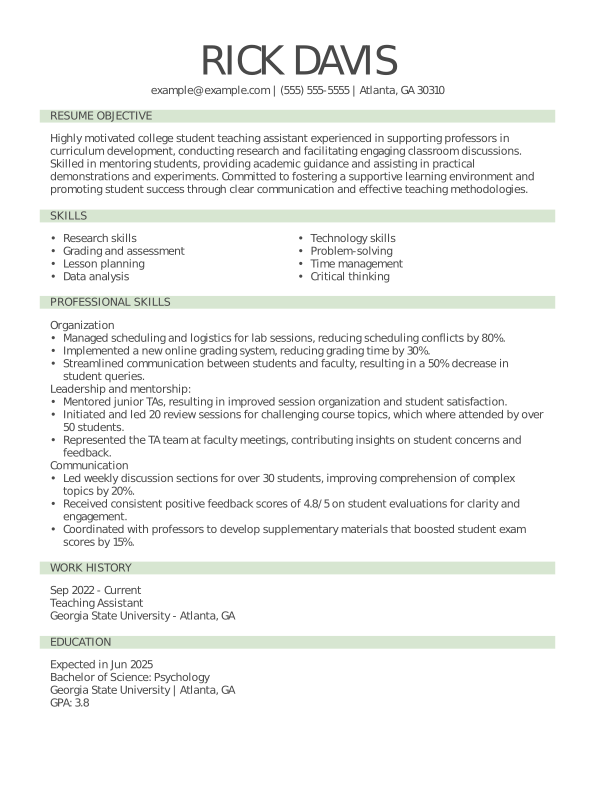
Traditional Teaching Assistant Mid Level Resume: Pixie Green
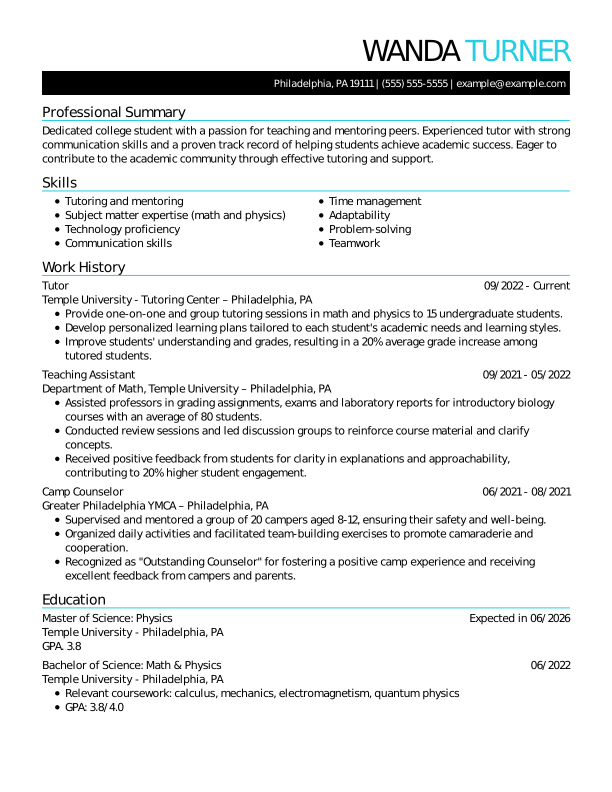
Traditional Tutor Mid Level Resume: Flourescence
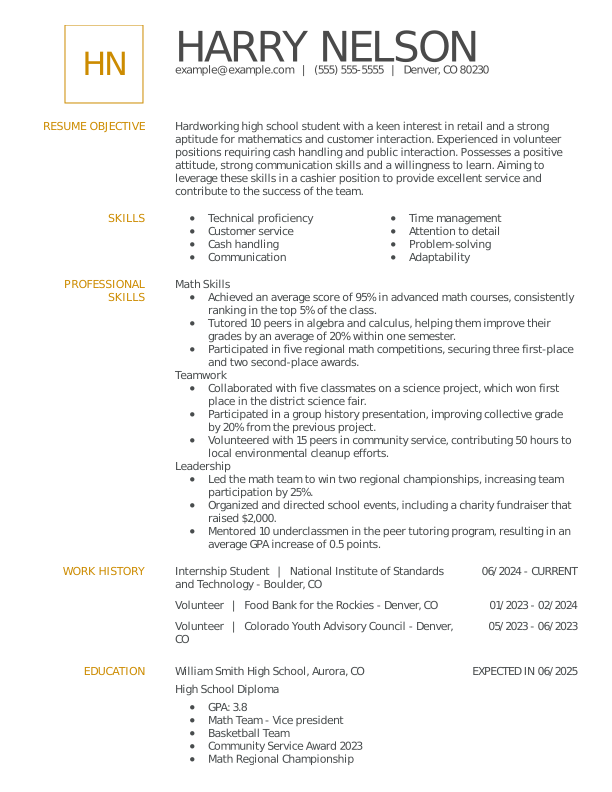
Modern Student Student Resume: Medallion
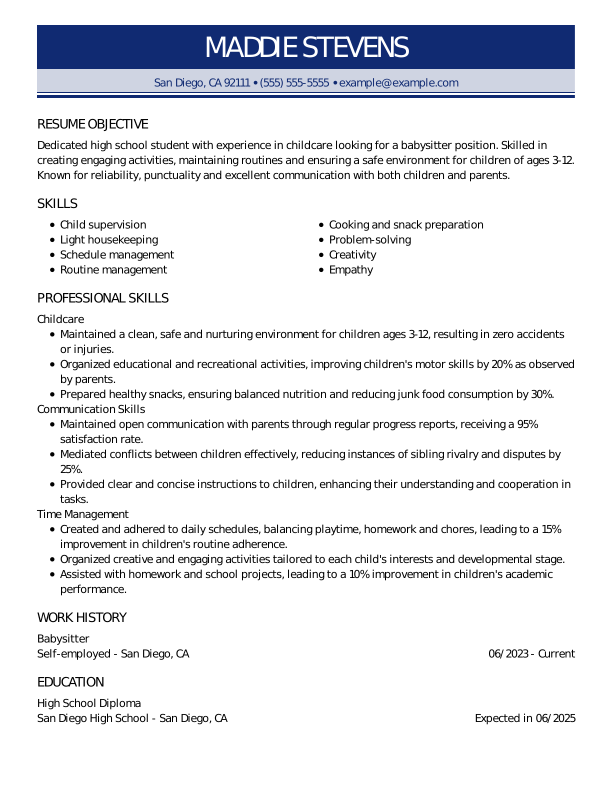
Traditional Babysitter Entry Level Resume: Oxford Blue
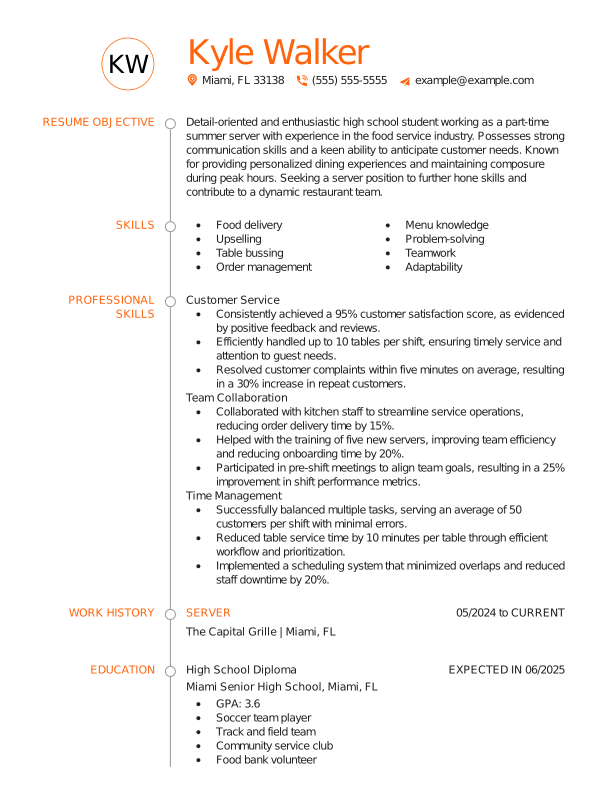
Creative Server Entry Level Resume: Flaming Orange
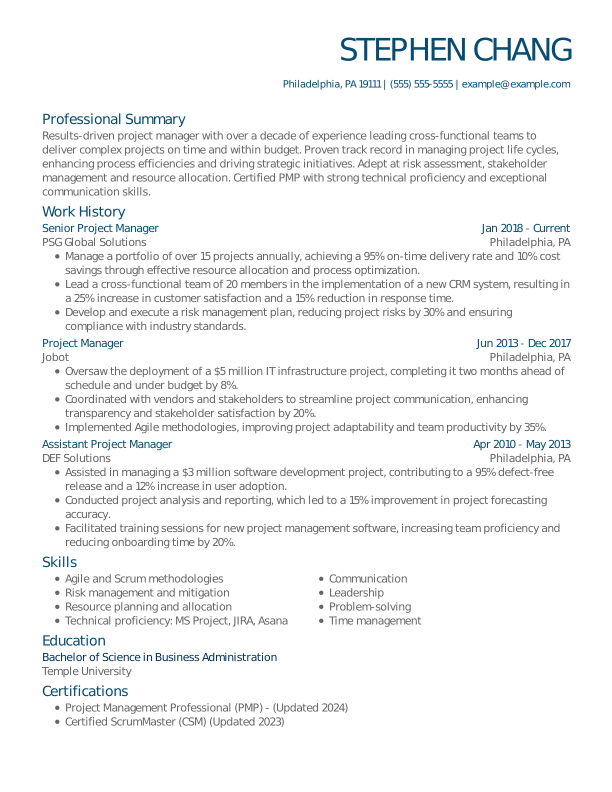
Modern Project Manager Experienced Resume: Slate Blue
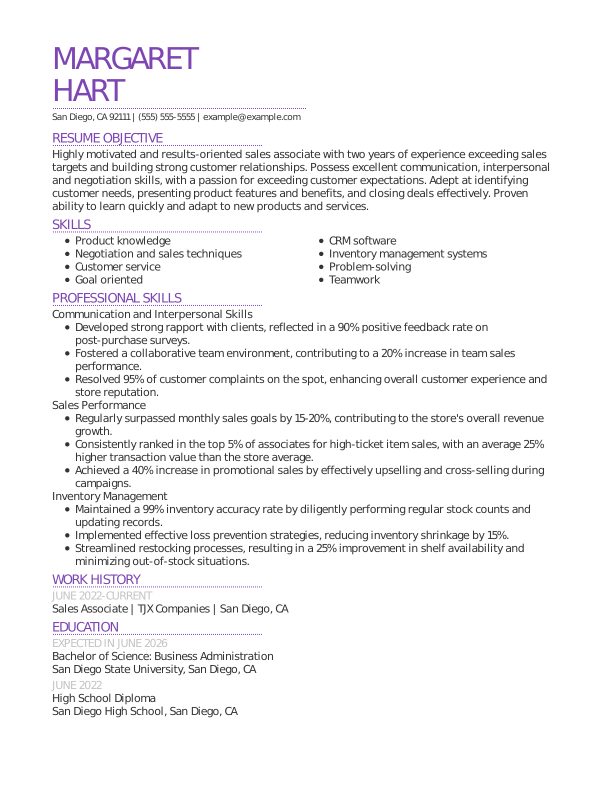
Modern Sales Associate Mid Level Resume: Electric Lilac
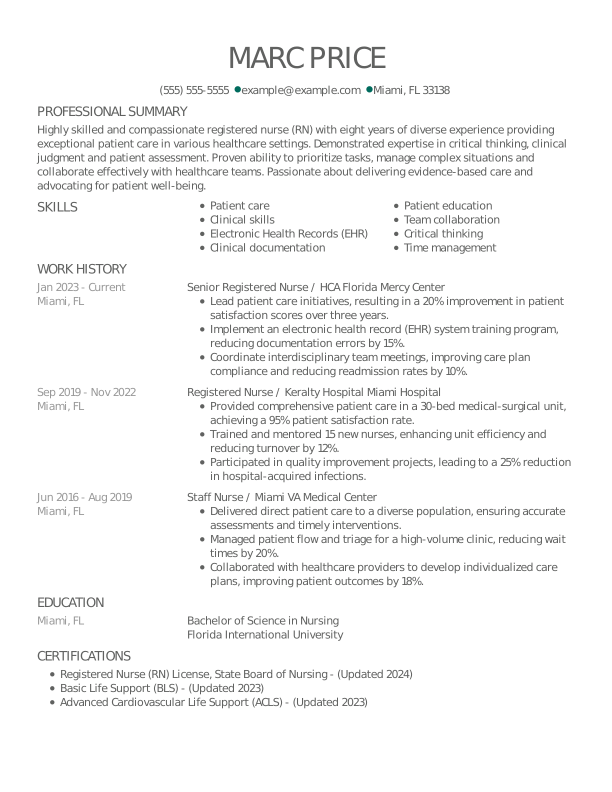
Creative Registered Nurse Experienced Resume: Empress Teal
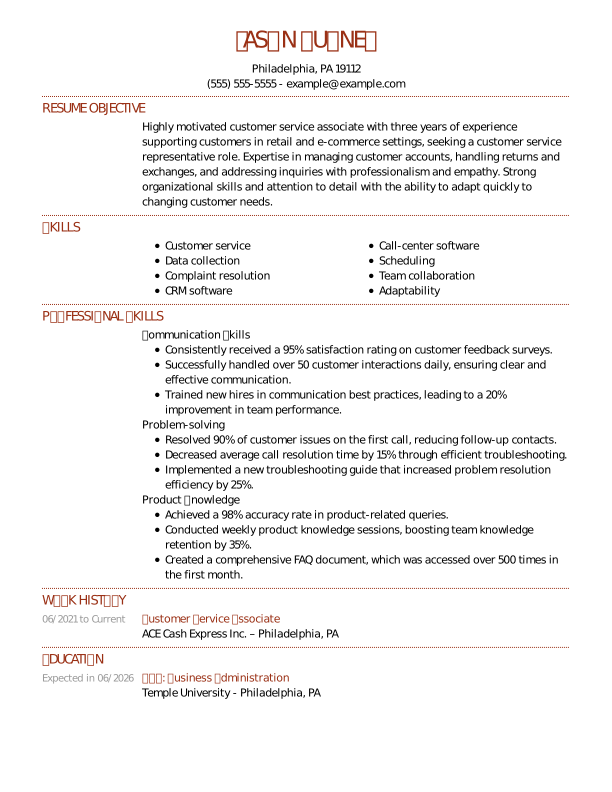
Traditional Customer Service Associate Mid Level Resume: Indian Red
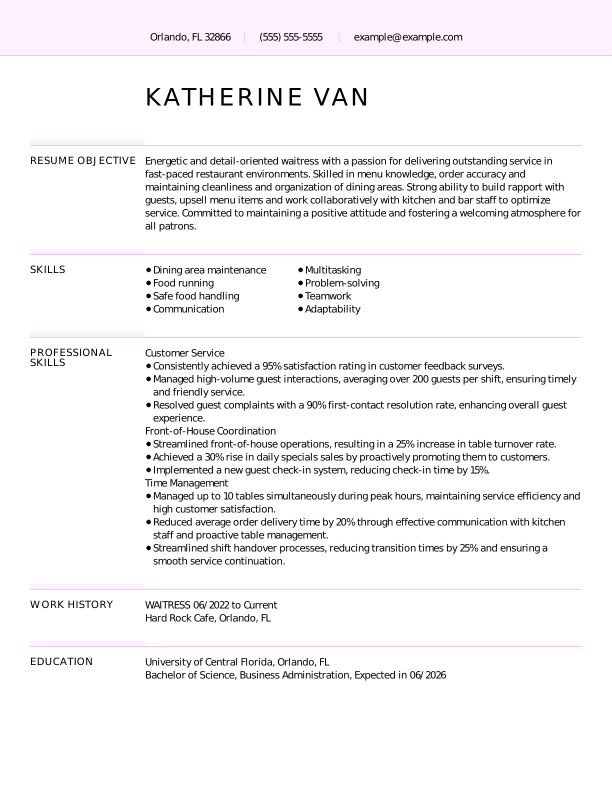
Creative Waitress Mid Level Resume: Light Wisteria
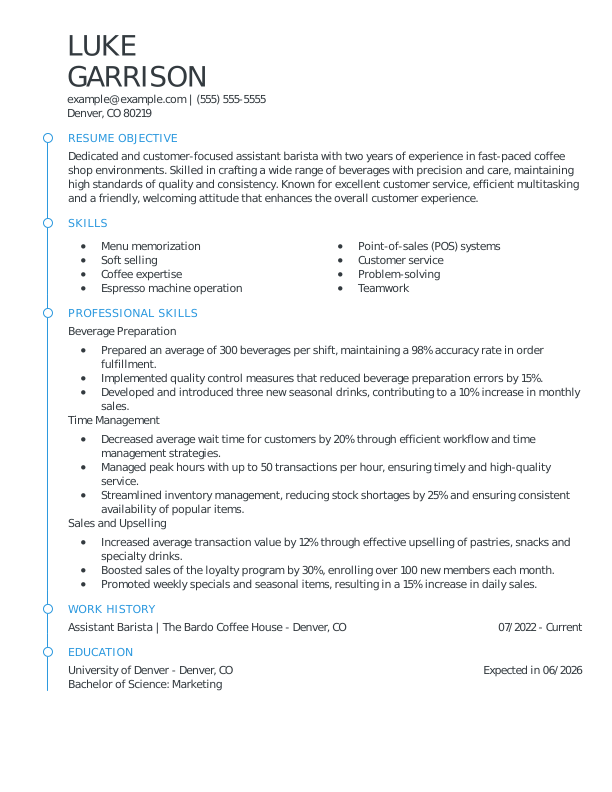
Modern Barista Mid Level Resume: Olympic Blue
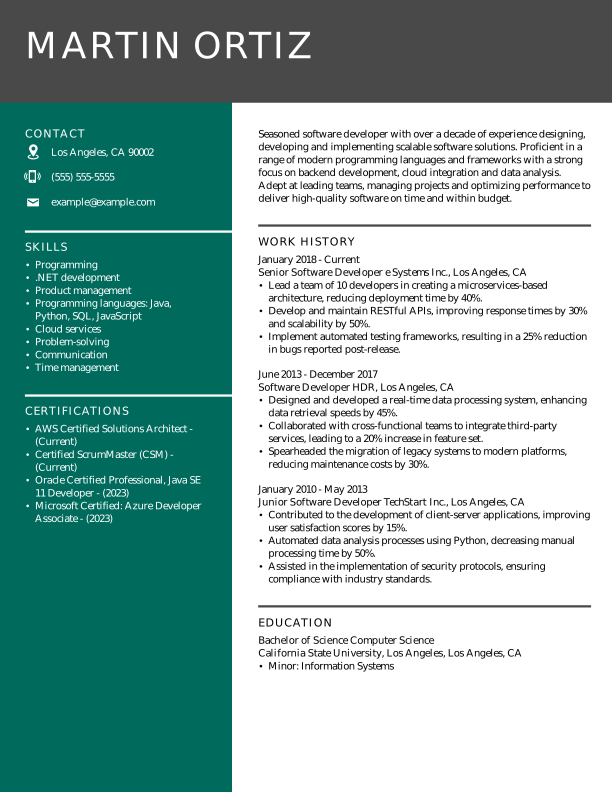
Modern Software Developer Experienced Resume: Empress Teal
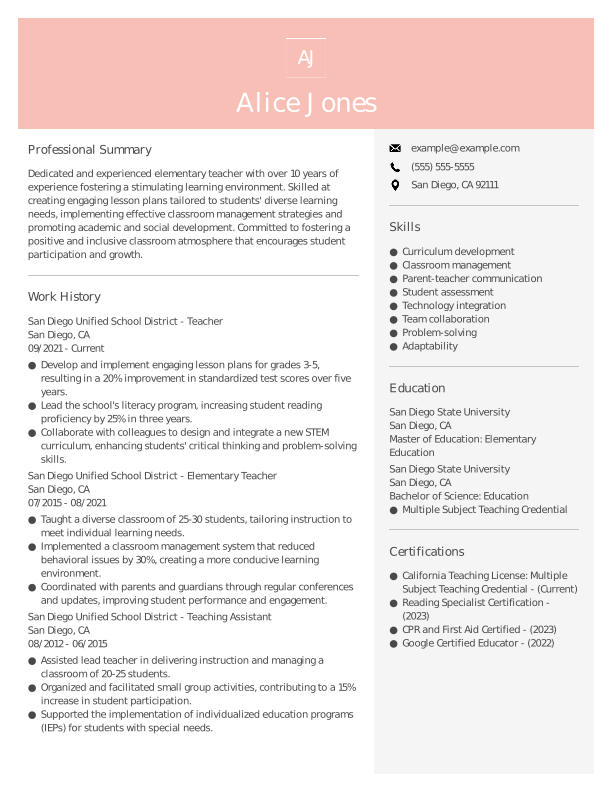
Modern Teacher Experienced Resume: Azalea Pink
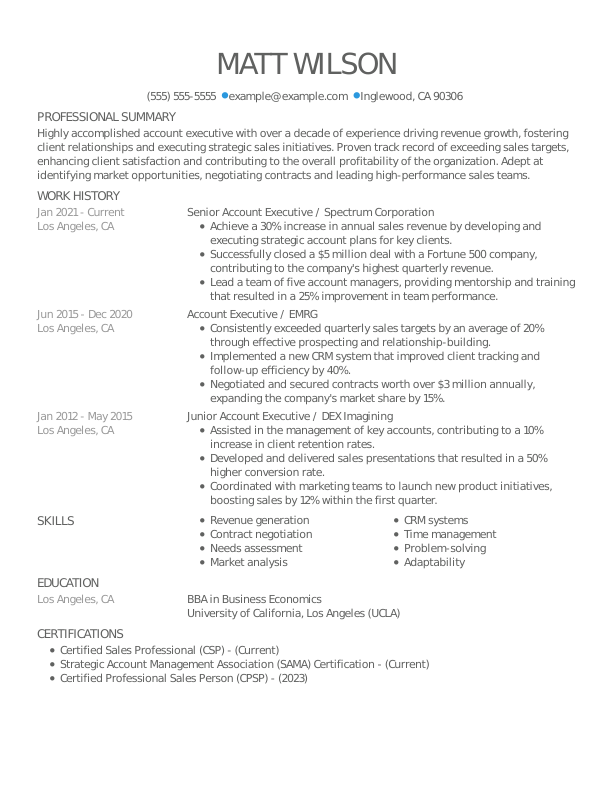
Creative Senior Account Executive Mid Level Resume: Olympic Blue
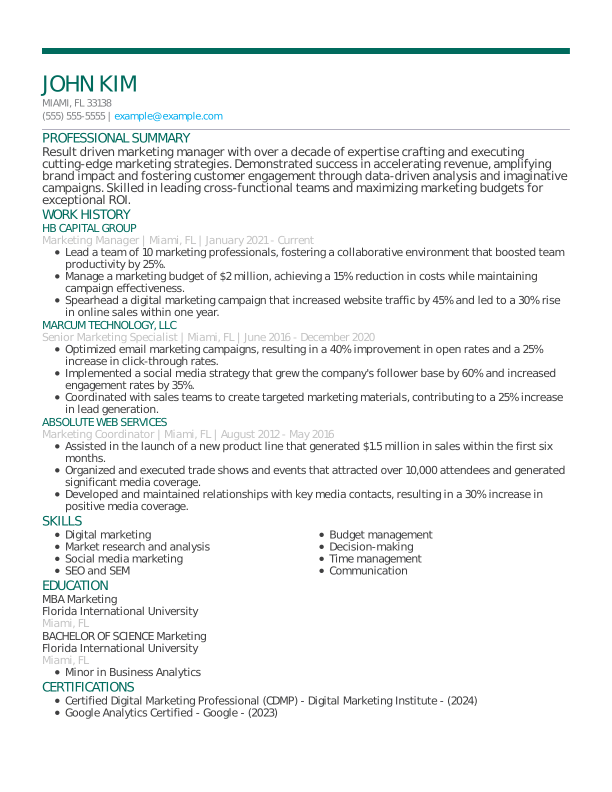
Modern Marketing Manager Experienced Resume: Empress Teal
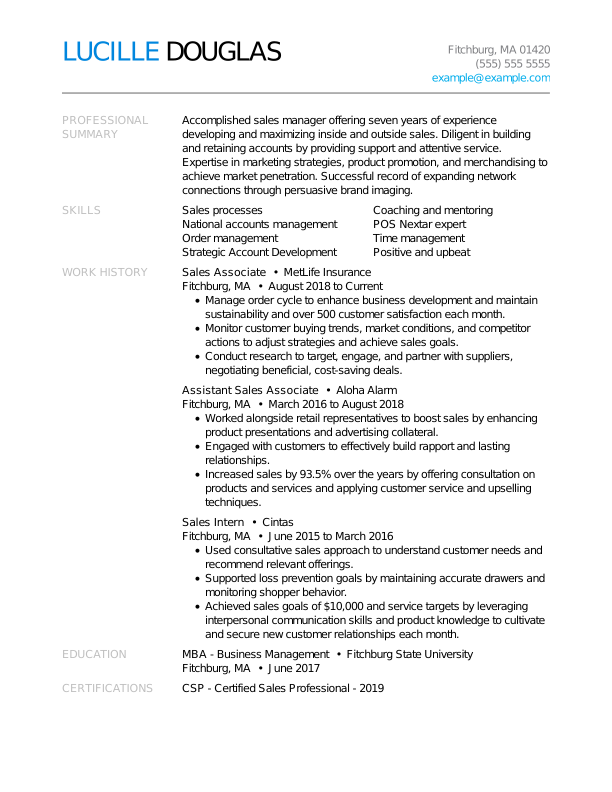
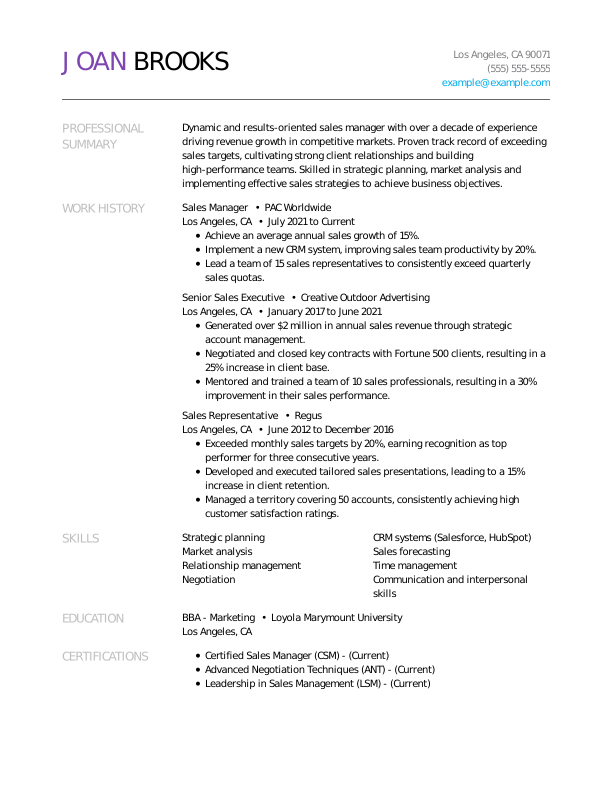
Creative Sales Manager Experienced Resume: Electric Lilac
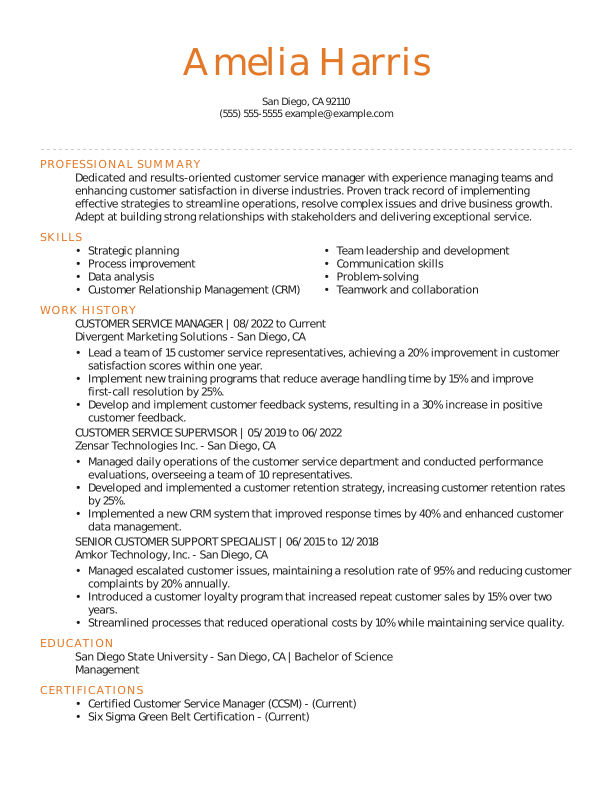
Traditional Customer Service Manager Experienced Resume: Orange Sunrise
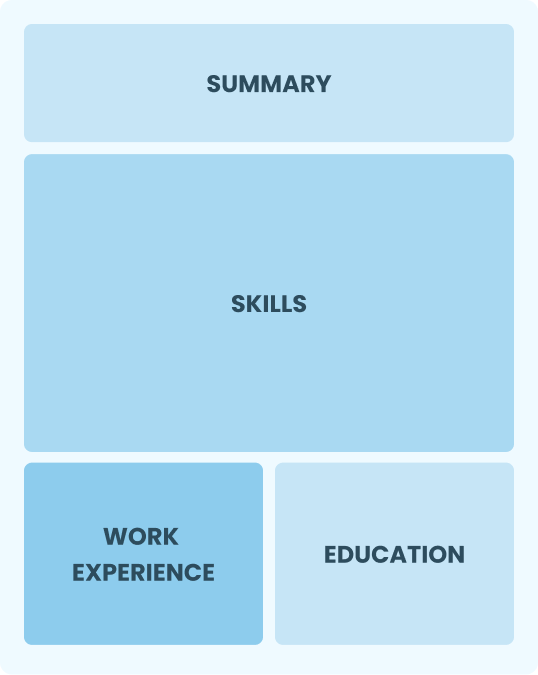
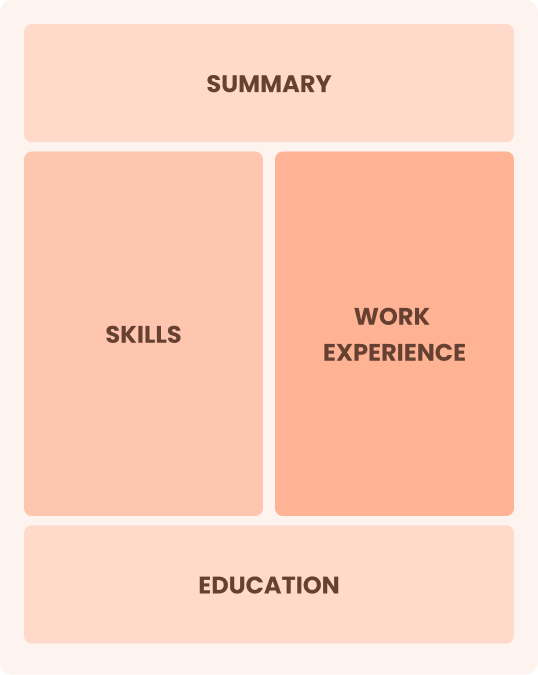
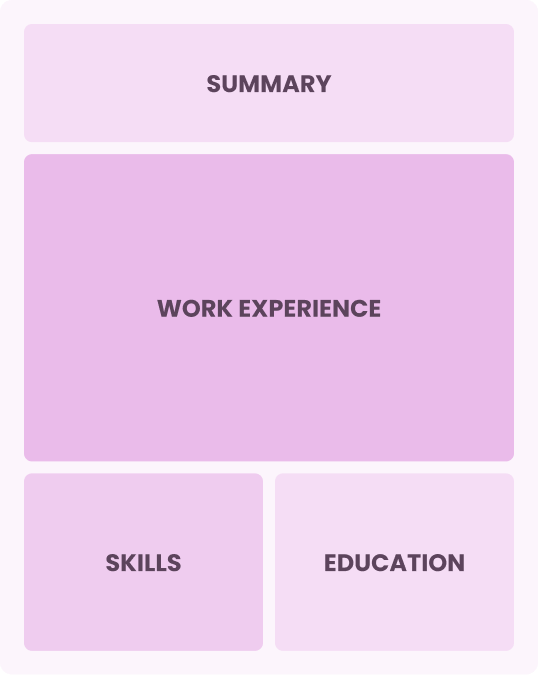
Our template library features resumes in the three main formats: chronological, functional, and combination, each highlighting different aspects of your background. Learn how to choose the resume format that best fits your experience and career goals.
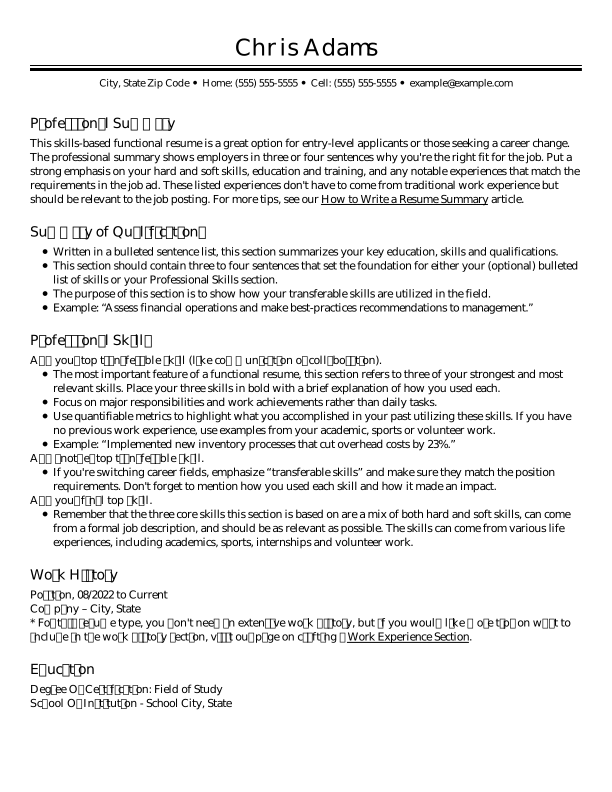
Skills-focused format that emphasizes abilities over work history
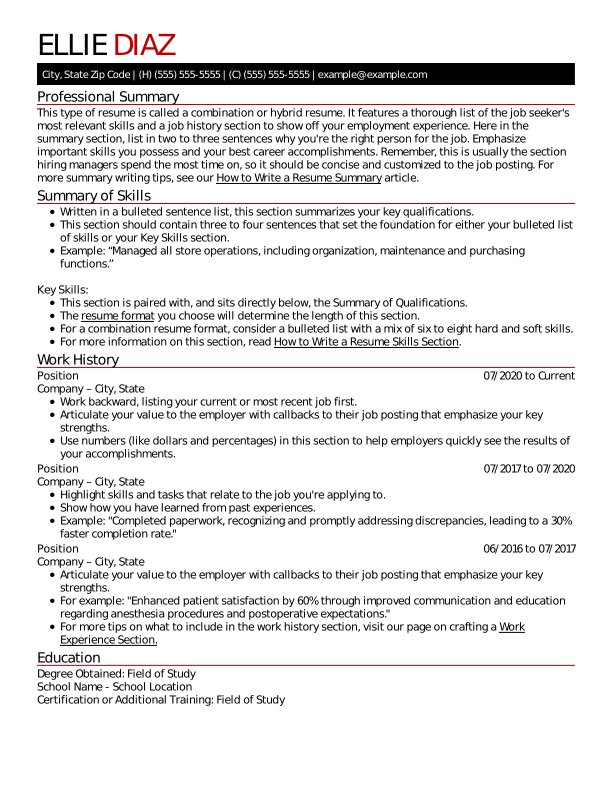
A middle-ground format that combines skills and work experience
Experience-focused format that highlights steady career progression
Use one of our professional resume templates and follow the best practices below to create a resume that’s clear, polished, and optimized for recruiters and applicant tracking systems (ATS).

1. Aim for a One-Page Resume
A one-page resume keeps your content focused and scannable. Prioritize only the most relevant skills, experience, and achievements for the role.

2. Pick Standard Resume Sections
Include clear, expected headings like “Professional Summary,” “Skills,” “Work Experience,” and “Education” to ensure nothing important is overlooked.

3. Use Standard Margins
Keep margins between 0.5 and 1 inch on all sides to prevent overcrowding and ensure your content prints and displays properly across devices.

4. Ensure Proper Line Spacing
Use single spacing or up to 1.15 line spacing to create enough white space for easy scanning without wasting room on the page or squeezing text together.

5. Use the Appropriate Font Size
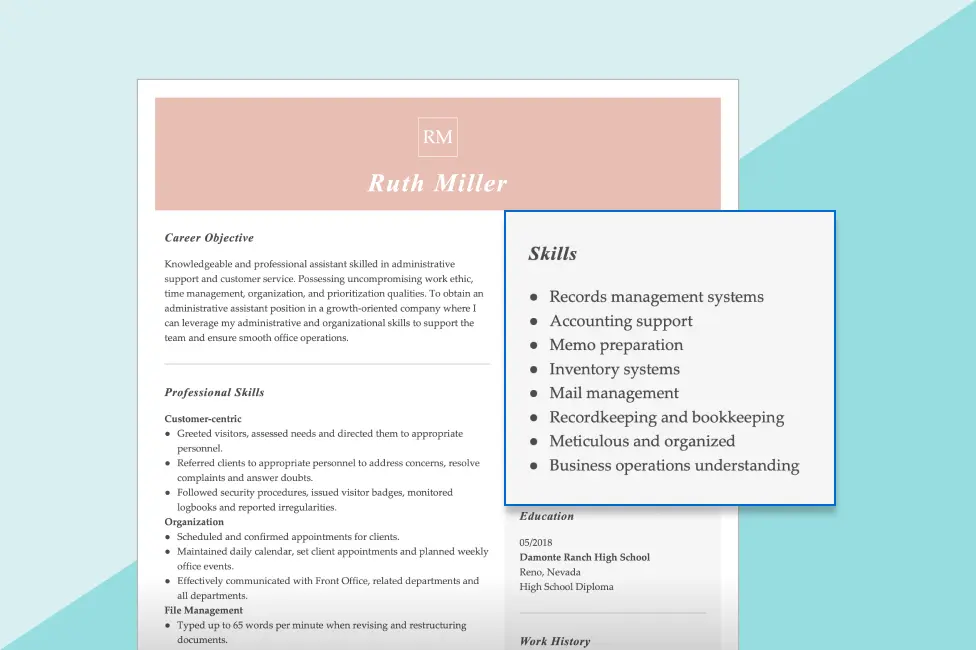
Keep body text sized at 10 to 12 points, section headings at 14 to 16 points, and your name at 18 to 24 points for readability and a clear information hierarchy.

6. Opt for Simple Bullet Points
Use simple bullet points to present your experience in a clear, scannable format. Avoid overly complex symbols or formatting, as they can confuse an ATS.

7. Choose an Easy-to-Read Font
Choose a clean, professional font like Arial, Calibri, or Helvetica. Avoid decorative or script fonts, which can reduce readability and appear unprofessional.

8. Save Your Resume as a PDF
Save your resume as a PDF to preserve formatting, spacing, and layout across all devices and operating systems, unless the recruiter requests a different format.

Designs for All Industries

User-Friendly Tools

Job-Specific Content Suggestions

ATS Resume Check Tool

ATS-Friendly Layouts

Easy Customization
Multiple Download Options

AI-Powered Resume Builder
Matching Cover Letter Templates
Discover more resume templates and job-specific examples featuring standout designs and content tailored to today’s fastest-growing careers.
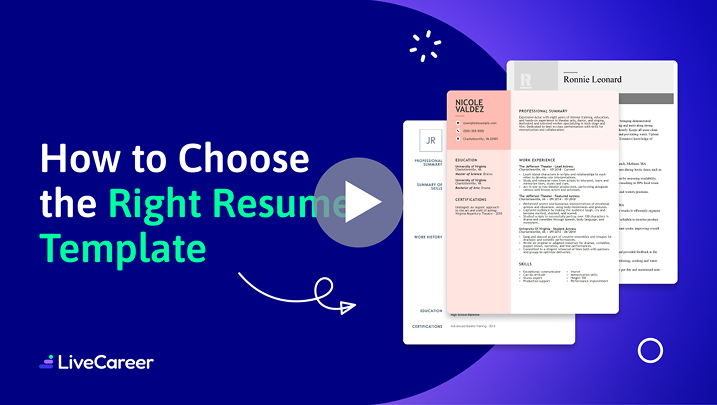
Click play to get five pro tips for choosing the right resume template and customizing it so your job application stands out to employers.



Last updated on June 21, 2026
The best resume template is one that’s clean, ATS-friendly, and tailored to your industry and experience level. It should clearly highlight your skills, work history, and achievements while avoiding overly complex designs. While the ideal resume template also depends on your role, simple, professional layouts are typically most effective for getting noticed.
To download a free resume template, go to the “Price” filter at the top of this page, select the “Free” option, then choose a template and click “Download Template.” Enter your name and email to access your download. You can also get a resume template free download by exporting premium templates as a plain text (TXT) file.
ChatGPT can write your resume by drafting, structuring, and refining each section based on your experience and target job. It can generate summaries, bullet points, and keyword-optimized content. You should, however, always review and personalize the final version to ensure accuracy and that it reflects your unique skills.
The three C’s of a resume are clarity, conciseness, and consistency. A strong resume should clearly communicate your experience, keep content brief and relevant, and maintain a consistent format throughout. Our resume templates are designed around these principles to help you present your qualifications in a clean, professional way that’s easy for hiring managers to read.
The seven-second rule in a resume means hiring managers spend about seven seconds scanning your resume before deciding whether to keep reading. This means it’s essential to ensure that key information is immediately visible and easy to understand at a glance, including your years of experience, skills, and top achievements that relate to your target role.
Employers generally prefer the chronological resume format because it clearly shows your work history, career progression, and most recent experience first. This structure is easy to scan, familiar to hiring managers, and highly compatible with ATS systems. The best format, however, still depends on your experience and the role you’re targeting.
The most successful resume style uses a clean, modern design with clear hierarchy, consistent spacing, and simple fonts that make information easy to scan. Recruiters prefer layouts with strong section headings, bullet points, and plenty of white space. Avoid heavy graphics or clutter, as readability and ATS compatibility matter more than visual decoration.
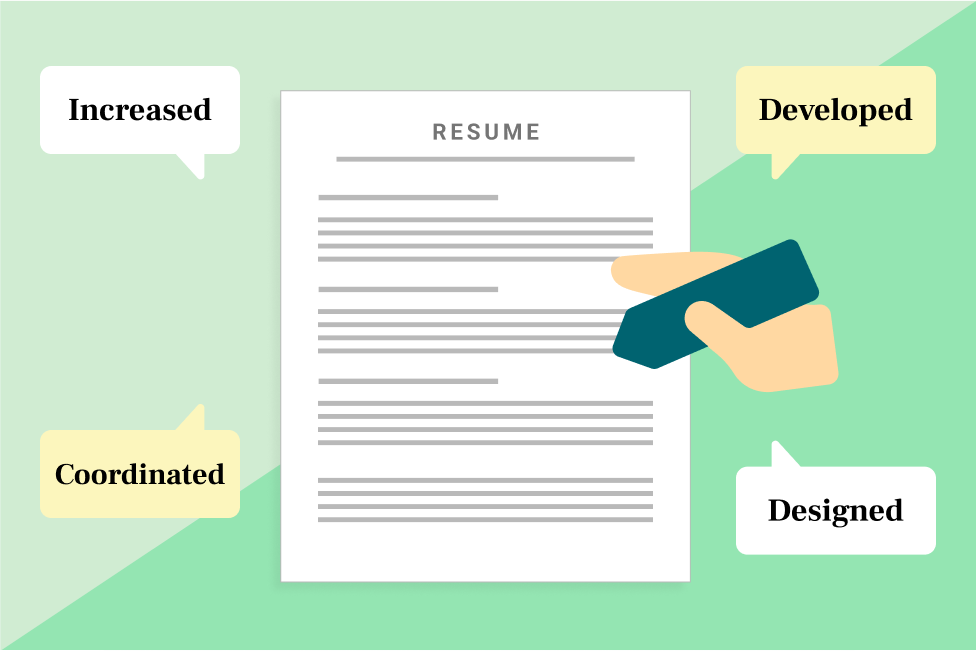


![Best Resume Font and Size in 2025 [14+ Examples]](/lcapp/uploads/2023/05/best-resume-font-size-banner.webp)



Join 28M+ job seekers who built interview-winning resumes with LiveCareer.

Get your free resume template
Fill in the below fields to download your template and start building your best resume.
Downloading...

Ready to try one of our premium resume template?
With our AI resume Builder, you can:
 Choose from dozens of eye-catching, ATS-friendly designsAdd ready-made content suggestions, customizable for your target roleAutomatically check your resume for mistakesGet a final file in less than 15 minutes
Featured in:*